
Labor cost calculator: from hourly wage to billable rate
Driveway Desk team 20 October 2026 10 min read

Your next job
Less time at the desk.
Build your price book, schedule the next visit and turn completed work into an invoice.
Start your first quoteIn this article
Divide paid-hour costs by the billable-hours ratio, then allow for your target margin to find a selling rate.
Short answer
Divide paid-hour costs by the billable-hours ratio, then allow for your target margin to find a selling rate.
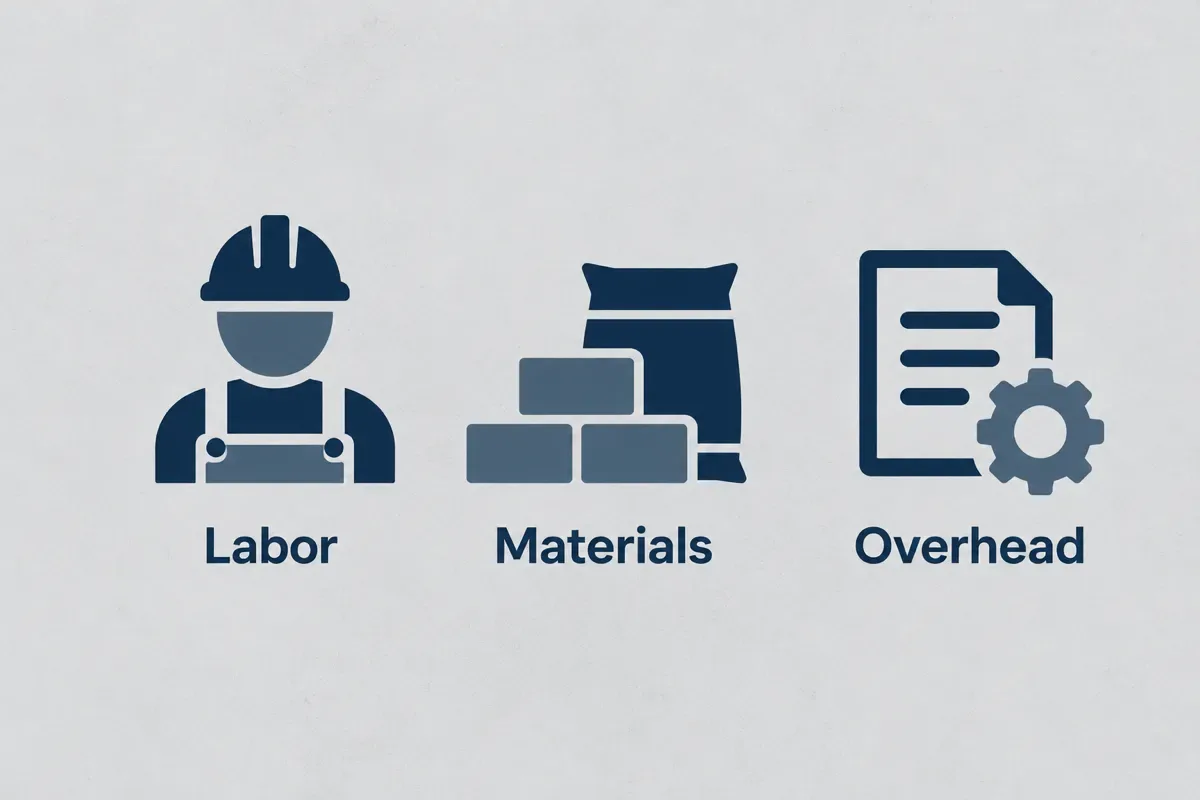
Build your hourly cost in three steps
How to calculate a billable labor rate
- Enter the job details
Set owner or helper wage ($/paid hour), payroll allowance (%). Use the job you are pricing.
- Review rates and assumptions
Replace the starting inputs in the calculator with your own wage, allowances, overhead, billable share and target margin.
- Check the estimate
Paid-hour cost = wage × (1 + (payroll allowance + workers comp allowance) / 100) + vehicle + other overhead. Cost per billable hour = paid-hour cost / (billable ratio / 100). Billable rate = cost per billable hour / (1 − target margin / 100). All overhead inputs use paid hours as their denominator. Review the estimate before tax and confirm the scope before using it in a quote.

How to calculate labor cost
Your paid hours, not just your wage, decide what an hour must sell for. Start with the wage or owner-pay allowance for one paid hour. Then add payroll and workers compensation allowances as percentages of that wage. Vehicle and other overhead inputs are dollar amounts per paid hour. These denominators matter: entering a monthly truck bill directly into an hourly field would make the result meaningless. Divide a period’s expense by the paid hours in that same period before entering it.
The initial percentages are planning assumptions, not a calculation of taxes or an insurance quote. Employment status, coverage, and location can affect actual costs. The IRS reference below identifies employment-tax categories, but it does not turn the example allowance into a rate that applies to every business. Use payroll records and the policy figures that apply to your situation when replacing the defaults.
For an owner, include an intentional allowance for doing the work rather than treating every hour as free. For a helper, use the costs you actually carry for that worker. Compare them as separate scenarios if they differ. The markup and margin calculator explains the final profit step. A handyman price list then converts the hourly selling rate into task estimates. First get the hourly cost basis right; an attractive-looking rate cannot repair missing expenses in the inputs.
Worked example: a $25 wage is not a $25 selling rate
These are explicit example assumptions, not market rates: $25 wage per paid hour, 10% payroll allowance, 3% workers compensation allowance, $5 vehicle and $8 other overhead per paid hour. We assume a 65% billable share and a 25% target margin. The result excludes separately priced materials and tax.
| Calculation | Example result |
|---|---|
| Wage for one paid hour | $25.00 |
| Payroll allowance: $25 x 10% | $2.50 |
| Workers compensation allowance: $25 x 3% | $0.75 |
| Vehicle plus other overhead: $5 + $8 | $13.00 |
| Total cost per paid hour | $41.25 |
| Cost per billable hour: $41.25 / 0.65 | $63.46 |
| Selling rate: $63.461538 / 0.75 | $84.62 |
Try your numbers
Example estimate of your job price. Before tax.
Your billable rate
The calculator rounds the displayed result. Keep full precision while calculating, then round the customer-facing amount. For a three-worker-hour task, this example produces $253.85 of labor revenue before materials and tax. That is three worker-hours, not necessarily three hours on the customer's clock.
What changes when fewer hours are billable?
The required selling rate rises as billable share falls. Holding paid-hour cost at $41.25 and target margin at 25%, the following scenarios isolate utilization alone. They are calculated examples, not industry averages.
| Billable share | Selling rate per hour |
|---|---|
| 40% | $137.50 |
| 50% | $110.00 |
| 60% | $91.67 |
| 65% | $84.62 |
| 75% | $73.33 |
| 85% | $64.71 |

Labor rate calculator
Billable hours are the hours whose cost your selling rate must recover. If you pay for forty hours but only charge customers for twenty-six, the billable share is sixty-five percent. The calculator divides paid-hour cost by that share. It does not multiply by it. Fewer billable hours mean more cost must be recovered from each hour sold, even when the wage stays the same.
Track the same period for both numbers. Driving, estimates, supply runs, equipment care, and administrative work may consume paid time that is not separately invoiced. Some businesses recover those costs through trip fees or fixed job prices. If that is your approach, avoid allocating the same expense again without accounting for the separate revenue. The model is a planning aid for one consistent allocation method.
The table varies the billable share while keeping the starting cost and margin inputs constant. This shows how utilization alone changes the required selling rate. For a mowing route, use the lawn mowing price calculator to inspect drive and site minutes. For a cleaning visit, the house cleaning price calculator helps compare a flat amount with the hours you expect. A result is only useful when the time definition matches the way you measure your crew’s work.
Choose the right crew scenario
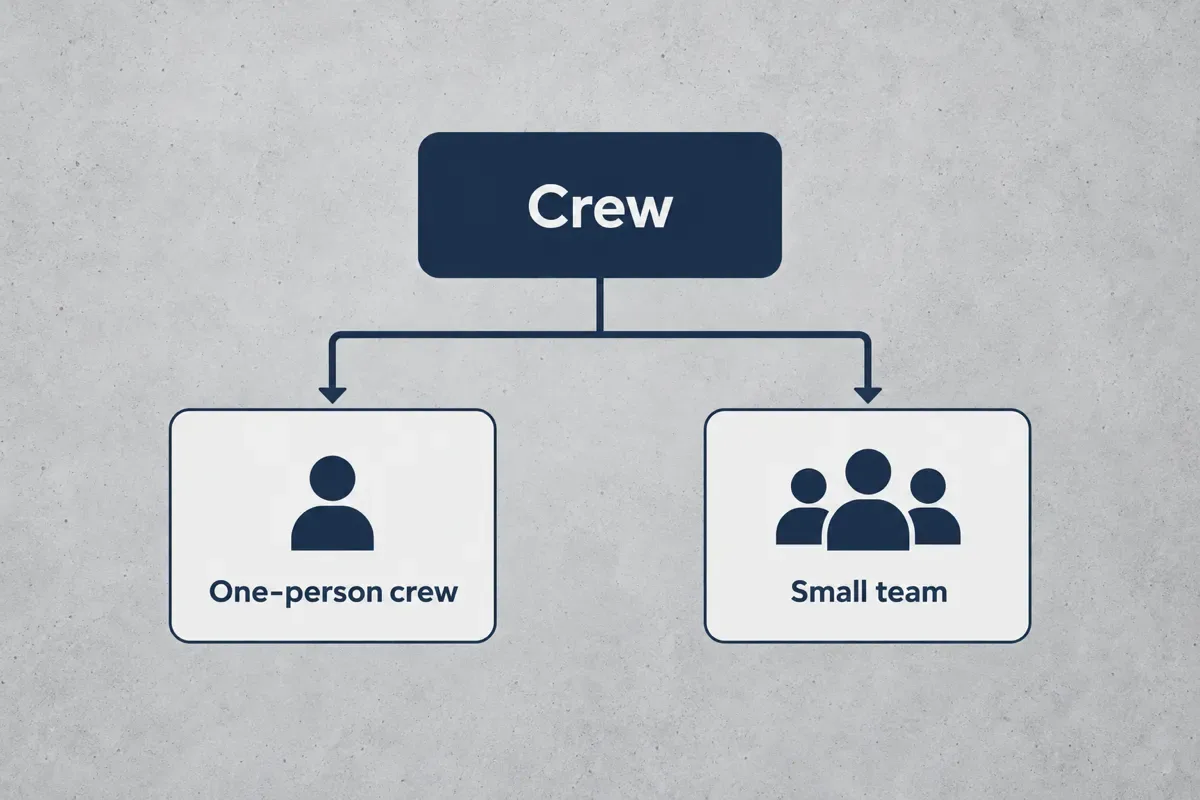
| Your situation | Costing decision |
|---|---|
| Owner working alone | Include deliberate owner pay and all paid non-billable time. |
| Owner plus one helper | Calculate each person separately, then sum costs for the planned worker-hours. |
| Three to five people | Allocate shared vehicle and office costs once, not in full to every worker. |
| Crew with different wages | Use a worker-hour-weighted average or individual rates, not the highest wage for everyone. |
Two people working for two hours consume four worker-hours. At the example $84.615385 selling rate per worker-hour, labor revenue is $338.46. Real crews may have different individual costs; the equal-rate assumption is only for this illustration.
Contractor hourly rate calculator
The full labor worksheet includes trade buttons that load illustrative wage, vehicle, and overhead combinations. The compact calculator above exposes the core inputs directly. They are not BLS wage statistics or a claim about what every cleaner, lawn worker, handyman, or HVAC technician earns. Use them to explore how a different cost structure affects the outcome, then replace each field with your own figures. Payroll allowance, coverage allowance, billable share, and target margin remain visible so a preset cannot silently make those choices for you.
Vehicle expense needs particular care. The IRS mileage reference is a national tax-related benchmark, not a direct instruction to charge that amount to a customer. If you use a mileage-based allocation, estimate the period’s miles and spread the chosen vehicle cost over the corresponding paid hours. Do not also include the same fuel, maintenance, and vehicle costs in other overhead. A consistent method is more useful than a precise-looking answer assembled from overlapping costs.
The pressure washing price calculator provides an area-based selling model that can be checked against this hourly cost. Before adopting a rate, compare a completed job’s actual hours and expenses with the estimate. Revise the inputs when evidence changes instead of treating the initial scenario as a permanent industry rule.
Mistakes that make the rate look cheaper than it is
- Counting forty paid hours as forty billable hours: at the example costs, 100% utilization produces $55.00 an hour instead of $84.62 at 65%. That $29.62 gap is an allocation difference, not a saving.
- Applying 25% markup when you want 25% margin: $63.461538 x 1.25 gives $79.33, not $84.62. Margin divides by 0.75; markup multiplies by 1.25.
- Charging the full truck expense to every worker: divide shared overhead across the hours it supports. Otherwise a larger crew multiplies the same bill.
- Treating a monthly bill as an hourly input: $800 divided by 160 paid hours is $5 per paid hour. Enter $5, not $800.
- Adding a materials allowance twice: if materials are a separate job line, do not hide those same costs in the labor rate as well.
How we calculate this
Paid-hour cost = wage × (1 + (payroll allowance + workers comp allowance) / 100) + vehicle + other overhead. Cost per billable hour = paid-hour cost / (billable ratio / 100). Billable rate = cost per billable hour / (1 − target margin / 100). All overhead inputs use paid hours as their denominator.
The IRS employment-tax overview identifies payroll tax categories; the IRS mileage table supplies a national vehicle-cost reference. Neither sets your billable rate. The wages and allowances here are illustrative trade scenarios, not wage survey data or tax calculations. Use your payroll and insurance figures.
Sources and national references
- IRS employment-tax overview, checked 2026-10-17. Payroll tax categories; use your actual employer costs.
- IRS standard mileage rates, checked 2026-10-17. National mileage reference; do not count mileage and the same vehicle expenses twice.
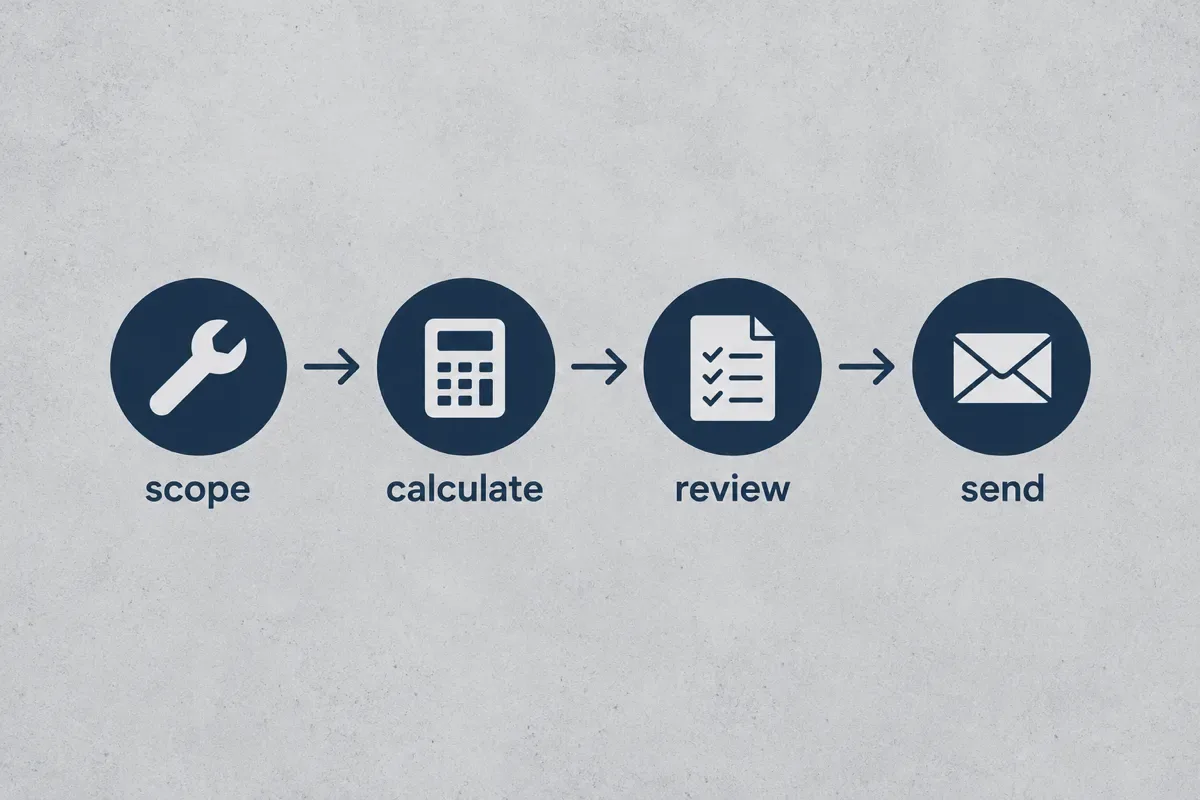
A spreadsheet gives you the full method for one job. Re-entering the same reviewed rates on every quote is where the manual process gets slow. Driveway Desk keeps the quote workflow on your phone. Compare the workflow requirements in the Jobber alternative guide before choosing how to handle the office work.
Price it once, then start your first quote from the driveway next time.
Price it once, then start your first quote from the driveway next time.
Review the job before you send it
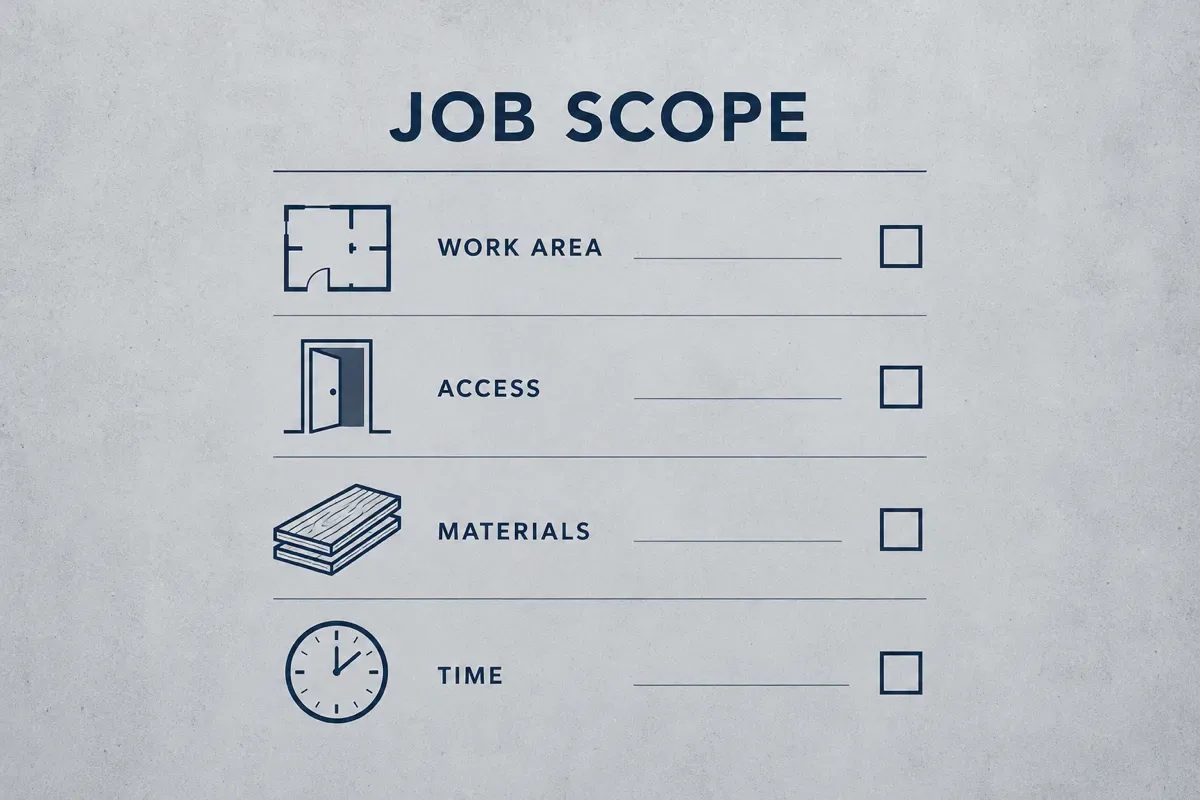
Use your own costs, scope and completed-job records. Check the result against the time and materials you expect to use. Your next quote should reflect the job in front of you, not a national average.
For a cleaning crew, compare the cost basis with the first-home pricing example. A route business can use the lawn-care startup guide to think through drive time.
Start your first quote with the scope and prices you have reviewed.
Put the method to work
Labor cost calculatorDivide paid-hour costs by the billable-hours ratio, then allow for your target margin to find a selling rate.
Frequently asked questions
Under the example assumptions on this page, $20 wage plus 10% payroll, 3% workers compensation, $5 vehicle and $8 overhead totals $35.60 per paid hour. At 65% billable time, that is $54.77 per billable hour before profit. These are planning assumptions; actual employer costs vary.
Add wage, payroll and coverage allowances, then allocated vehicle and overhead per paid hour. Divide by the billable share to find cost per billable hour. Divide that result by one minus the target margin to estimate a selling rate.
Start with your recoverable cost, not an unsupported industry average. In the worked example, $41.25 per paid hour divided by 65% billable time and then by 75% gives $84.62 per billable hour at a 25% target margin. Replace each assumption before using the result.
It usually means labor cost equals 30% of revenue for a stated job or period. For example, $300 of labor cost divided by $1,000 revenue is 30%. Check whether the figure includes payroll burden; it is not the same as a 30% billable-hours ratio or a 30% profit margin.
Estimate the worker-hours needed for the scope, then multiply each worker's hours by the corresponding cost rate. Two people for two hours means four worker-hours. Use a cost per billable hour when you intend the job to recover paid non-billable time, and keep materials separate.
Multiply production worker-hours by the relevant loaded cost rate and add any labor allocation not already included. For a service job, use the same principle for the task or visit. State whether you mean direct payroll cost or a fully allocated cost so the denominator stays consistent.
Put the method to work
Markup and margin calculatorMarkup divides profit by cost; margin divides profit by selling price. Convert either percentage before quoting.
Your prices, remembered.
Build your first quote on your phone in about two minutes, send it, and get paid into your own account.
Start your first quoteShare article
About the author
Field notes team
We write practical guides for home service crews of one to five. Our editorial standard is to show the calculation, state its assumptions, cite primary sources for factual claims and date competitor comparisons. We distinguish worked examples from market prices and correct errors when they are found. We do not claim trade licenses or credentials on behalf of the team.
More articles

Pricing jobs · 10 min
Handyman price list
Build a handyman flat price from task hours and materials, using your own hourly rate and minimum visit.
Pricing jobs · 13 min
Pressure washing price calculator: per sq ft rates, minimums and a worked job
Price driveways, siding, decks and fences by the square foot, apply your minimum once per visit, and check the total against your hours. Includes a live calculator and a worked two-car driveway and house wash example.
Pricing jobs · 12 min
Lawn mowing price calculator: price every mow by the minute
Turn lawn size, deck width, trimming and drive time into a per-visit mowing price, with a pricing chart by lawn size and a worked quarter-acre weekly mow.

Pricing jobs · 8 min
House cleaning price calculator
Price a house clean from floor area, room adjustments, cleaning depth, and the discount you choose.

Pricing jobs · 9 min
Carpet cleaning price calculator
Add measured carpet or room charges, stairs, stains, and upholstery, then apply your minimum job charge.

Running a small crew · 6 min
How to Start a Cleaning Business: Prices for Your First Homes
Start a cleaning business with the legal basics, a small supply kit and prices for standard, deep and move-out cleans, and quote every first visit as a deep clean.