
Markup and margin calculator: check your job profit
Driveway Desk team 21 October 2026 9 min read

Your next job
Less time at the desk.
Build your price book, schedule the next visit and turn completed work into an invoice.
Start your first quoteIn this article
Markup divides the difference between price and cost by cost; margin divides that same difference by selling price. Use this markup and margin calculator to turn parts and loaded labor into a quote, then check both percentages before you send it.
A 30% markup is not a 30% margin: on a $240 job cost, the difference is $30.86 in your selling price. The examples below use stated assumptions, not recommended trade rates or national averages.
Short answer
Markup price = cost × (1 + markup / 100). Margin price = cost / (1 - margin / 100). Choose the denominator before choosing the percentage.
Try the markup and margin calculator
Assume $120 of parts and three labor hours at a loaded cost of $40 per hour. The entered cost is $240. Loaded labor means your cost of providing the work, not the hourly rate shown to the customer. All amounts below are before tax and before costs omitted from the inputs.
| Example pricing method | Cost basis | Selling price | Difference above entered cost | Resulting margin |
|---|---|---|---|---|
| Add 30% markup | $240.00 | $312.00 | $72.00 | 23.08% |
| Target 30% margin | $240.00 | $342.86 | $102.86 | 30.00% |
| Add 50% markup | $240.00 | $360.00 | $120.00 | 33.33% |
Try your numbers
Example estimate of your job price. Before tax.
Your example price
The starting inputs reproduce the first row. Switch to margin mode to reproduce the second. The result is job-level profit on the costs entered, not a promise about take-home pay. If you left insurance, travel or office time out of the cost basis, those costs still need paying.

What is the difference between markup and margin?
Markup asks how much you add to your cost. Margin asks how much of the final selling price remains after that cost. The numerator is the same dollar difference; the denominator changes.
For the $240 example, adding $72 produces a $312 price. Divide $72 by $240 to get 30% markup. Divide $72 by $312 to get 23.08% margin. AccountingCoach explains the same cost-versus-selling-price distinction. Keeping the label beside the number prevents a profitable-looking spreadsheet from silently using the wrong formula.
To convert without a dollar amount, use margin = markup / (100 + markup) × 100. For the reverse calculation, markup = margin / (100 - margin) × 100. A 100% markup doubles cost and produces a 50% margin. A 100% margin has no finite selling price when cost is positive.
| Markup on cost | Equivalent margin on price |
|---|---|
| 10% | 9.09% |
| 20% | 16.67% |
| 30% | 23.08% |
| 40% | 28.57% |
| 50% | 33.33% |
| 60% | 37.50% |
| 80% | 44.44% |
| 100% | 50.00% |
These are arithmetic conversions for a positive cost, rounded to two decimals. They are not target margins for any trade.
Build the cost basis before applying a percentage
A perfect percentage applied to an incomplete cost does not fix an underpriced job. Write down the parts, person-hours and loaded hourly cost first. The labor cost calculator helps separate the cost of an hour from its customer-facing selling rate.
For a small repair, include the parts you expect to use and decide where freight, disposal and consumables belong. If the calculator has no separate field for one of your costs, total the non-labor costs in your worksheet before entering them in the parts field. Label that total in your job record so another person can reproduce it. Do not add an overhead allowance twice if it is already included in loaded labor.

The blocks show categories only. Their sizes do not represent a recommended split. For business-wide planning, the SBA's finance guidance is a useful starting point; this small job calculator is not a replacement for a complete financial record.
Measure the work before pricing it. A door that needs trimming is different from a door that needs a new frame. An extra collection trip can change labor even when the parts cost is unchanged. For repair tasks, compare your scope with the handyman price list's time-and-materials breakdown, then use the actual hours for this job.

One-person business or five-person crew: count hours correctly
Both use the same formulas. What changes is the amount and composition of cost. Two people working three hours consume six person-hours, not three. A solo owner's time also needs a cost assumption if the quote is meant to fund that person's work.
| Situation | Costing decision before you quote | What to check afterward |
|---|---|---|
| One-person repair business | Give your own labor an explicit cost instead of treating it as free | Compare actual hours with the estimate |
| Two people on one visit | Add each person's hours and use an appropriate loaded cost | Do not confuse visit duration with person-hours |
| Five-person crew across several jobs | Cost the people assigned to this job, not every employee for the full day | Record travel and shared supervision consistently |
| Subcontracted line item | Record the subcontractor amount and your own coordination cost separately | Do not count the same work as both employee labor and subcontract cost |
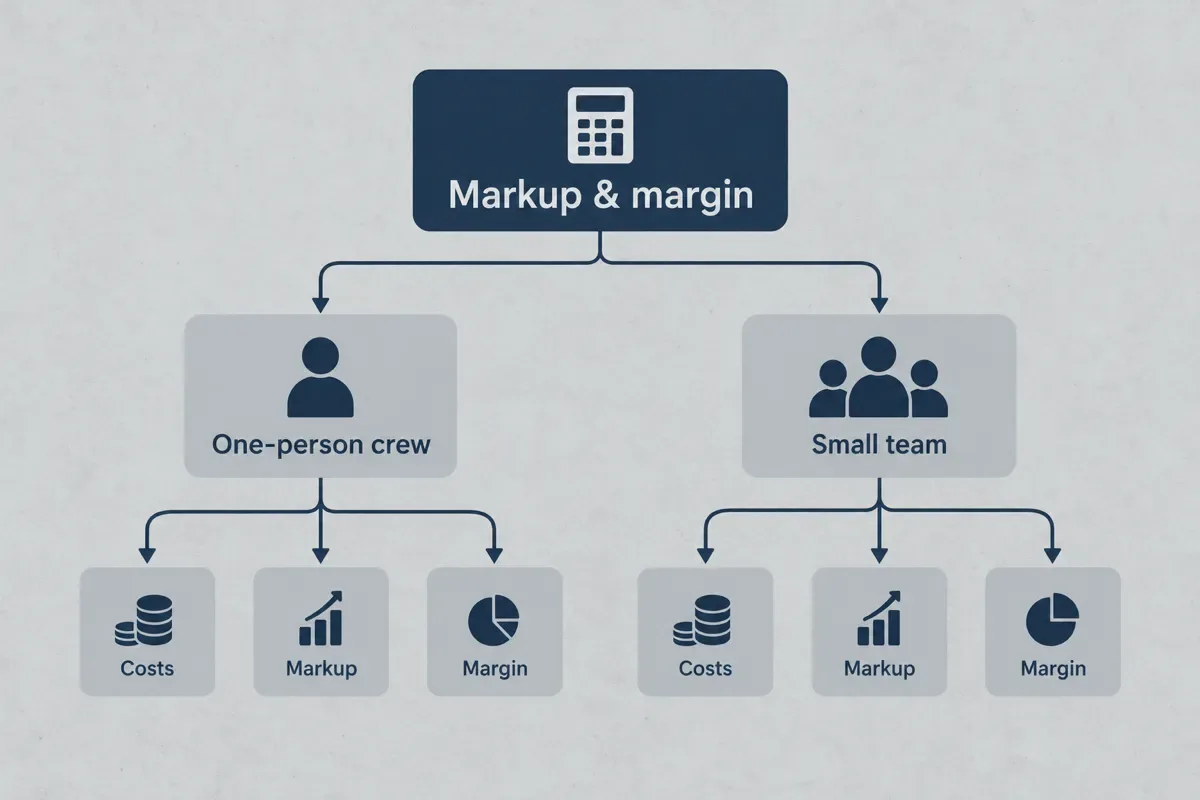
For different worker costs, calculate each person's cost separately, total it, then use a weighted loaded rate with the combined person-hours. Example assumptions: two hours at $35 and two at $45 total $160 across four person-hours. The weighted rate is $40. That keeps the calculator's labor subtotal correct without pretending both people have identical costs.
A cleaning quote should pass the same cost check. Use the house cleaning price calculator to build the service price, then compare it with the labor and supplies you expect to use. For room, stair and upholstery combinations, the carpet-cleaning job breakdown provides a different scope model. Neither page changes the definition of markup or margin.
How to price a job with a target margin
How to check a target-margin quote
- Total the entered cost
Add parts and non-labor allowances to person-hours multiplied by loaded labor cost. For the worked example, $120 + 3 × $40 = $240. Keep a separate record of the allowances included.
- Select the percentage method
Choose margin if you want the difference to be a share of the selling price. Choose markup if you want to add a share of cost. Write the method beside the number in your worksheet.
- Calculate and cross-check
For a 30% margin, divide $240 by 0.70 to get $342.86 after rounding. Subtract $240, then divide the $102.86 difference by $342.86 to confirm approximately 30%. The equivalent markup is 42.86%.
- Compare the result with the promised scope
Confirm access, materials and person-hours. If the customer changes the work, update the cost and price together instead of carrying over the old total.
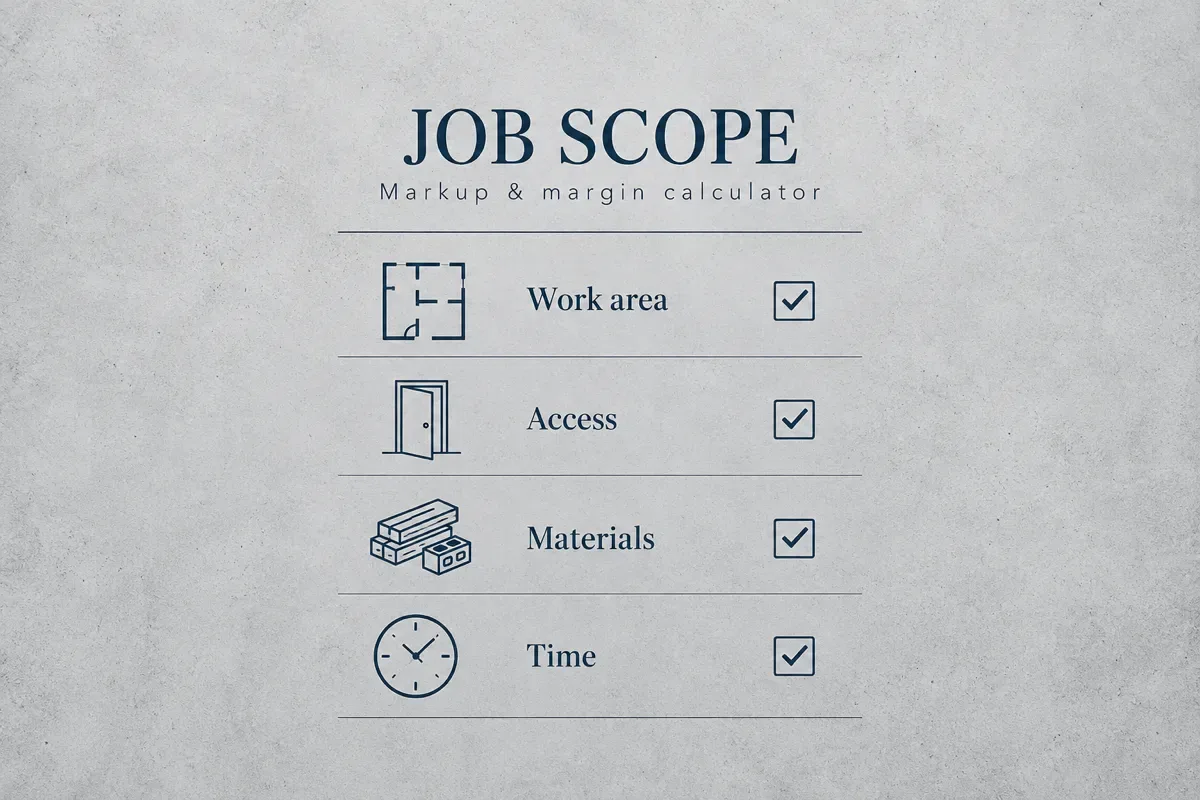
The checklist is a scope reminder, not a completed inspection. Record the work area, access restrictions, materials and time on your own job sheet. Use the estimate template when assumptions may still change; use a quote with clear scope and exclusions once you are ready to state the proposed price.
Three mistakes that shrink the dollar profit
Treating a discount as an equal margin reduction
A 10% price discount does not reduce a 30% margin to 20%. Using the same illustrative $240 cost, a $342.86 quote discounted by 10% becomes $308.57. The difference above cost falls to $68.57, giving approximately 22.22% margin. You gave up about one third of the original $102.86 dollar profit, even though the customer sees a 10% discount.
Entering a selling rate as labor cost
If your customer-facing labor rate already includes overhead and profit, adding a full profit percentage to it again can double-count that allowance. Sometimes a business deliberately marks up a subcontractor's selling price; that is a different case. Name the input honestly and check which costs it already contains.
Leaving the return trip outside the scope
Assume the $240 example takes one extra labor hour at the same $40 loaded cost. If the $312 quote stays unchanged, cost rises to $280 and the difference drops from $72 to $32. Margin falls from 23.08% to 10.26%. This is why recording access and parts availability can matter more than adjusting markup by one percentage point.

Carry the checked price into the job record
A paper worksheet or spreadsheet is enough to perform the full calculation. Save the scope, cost basis, method, percentage and final amount together. The wall comes later, when you retype those details into a quote, schedule and invoice and one version stops matching the others.
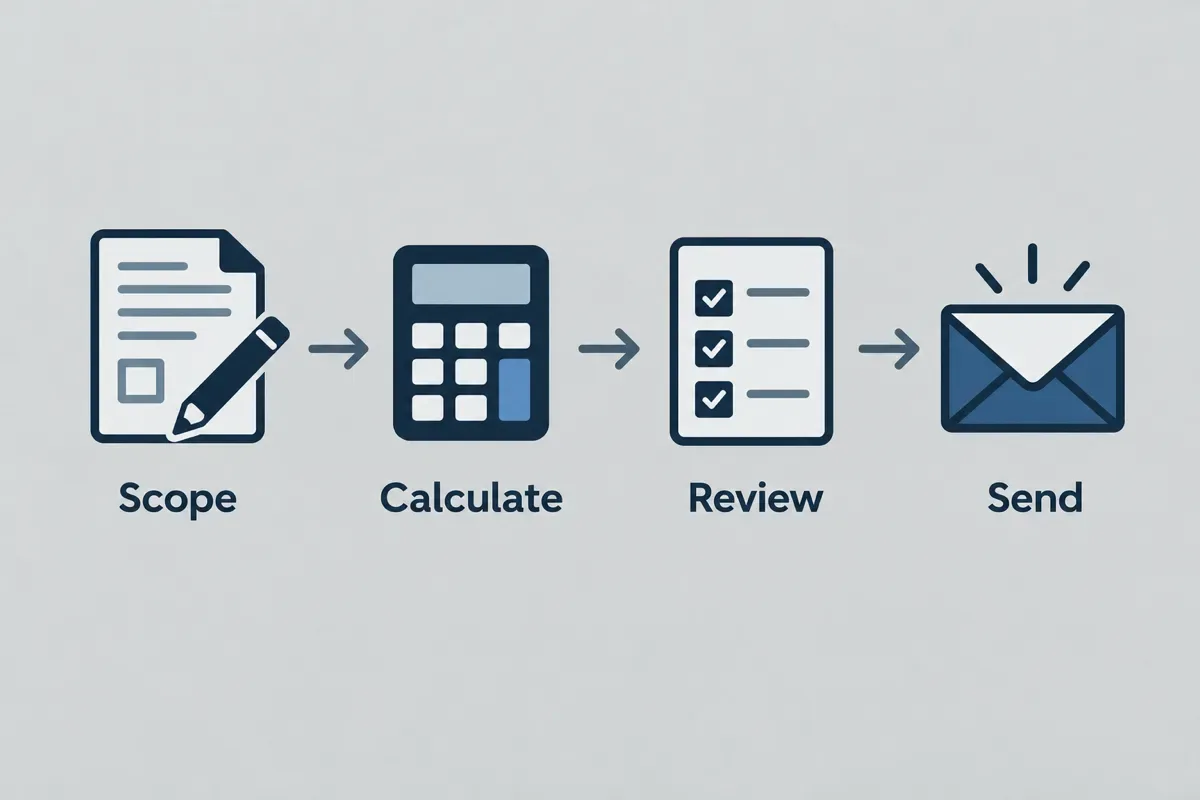
The diagram shows the handoff, not an instruction to send an unchecked price. Driveway Desk keeps your reviewed prices with the quote and job record. If you are comparing that workflow with another system, use the Jobber alternative comparison to check the requirements that matter to your crew, rather than selecting software by a headline alone.
Price it once, then start your first quote from the driveway next time.
Price it once, then start your first quote from the driveway next time.
Choose the method, then check the dollars
The reliable order is scope, cost, percentage and review. A 30% markup and a 30% margin can both be calculated correctly, but they are different pricing decisions. Check the resulting dollar difference and the costs still outside the model before committing to either one.
Use the calculator again when hours, materials or the customer discount change. Keep the final assumptions with the job so the next quote starts from what actually happened.
Put the method to work
Markup and margin calculatorMarkup divides profit by cost; margin divides profit by selling price. Convert either percentage before quoting.
Frequently asked questions
For markup, divide selling price minus cost by cost, then multiply by 100. If you divide that difference by selling price instead, you are calculating margin. With a $240 cost and $312 price, markup is 30% and margin is 23.08%.
Gross margin percentage is revenue minus cost of goods sold, divided by revenue, multiplied by 100. For this job calculator, the displayed percentage uses the costs you entered. It is not automatically your accounting gross margin if your accounting cost categories differ, and it is not net profit after every business expense.
Markup is the difference between selling price and cost expressed as a percentage of cost. Margin expresses the same difference as a percentage of selling price. At a positive cost and profit, the margin percentage is lower than the markup percentage because selling price is the larger denominator.
A 30% markup equals approximately 23.08% margin. For example, $100 of cost becomes a $130 selling price. The $30 difference is 30% of cost but only 23.08% of the selling price.
It is $100 added to the $500 cost, making a $600 selling price. The resulting margin is $100 divided by $600, or 16.67%. If you meant a 20% margin, divide $500 by 0.80 instead, giving a $625 price.
The percentage alone cannot tell you. First establish whether you mean margin on entered job costs, accounting gross margin or net margin after all expenses. Then review the scope, costs left outside the calculation and the price customers will accept. This guide uses 30% only to illustrate the formulas, not as a recommended target.
Put the method to work
Markup and margin calculatorMarkup divides profit by cost; margin divides profit by selling price. Convert either percentage before quoting.
Your prices, remembered.
Build your first quote on your phone in about two minutes, send it, and get paid into your own account.
Start your first quoteShare article
About the author
Field notes team
We write practical guides for home service crews of one to five. Our editorial standard is to show the calculation, state its assumptions, cite primary sources for factual claims and date competitor comparisons. We distinguish worked examples from market prices and correct errors when they are found. We do not claim trade licenses or credentials on behalf of the team.
More articles

Pricing jobs · 10 min
Labor cost calculator: from hourly wage to billable rate
Divide paid-hour costs by the billable-hours ratio, then allow for your target margin to find a selling rate.

Pricing jobs · 10 min
Handyman price list
Build a handyman flat price from task hours and materials, using your own hourly rate and minimum visit.

Pricing jobs · 13 min
Pressure washing price calculator: per sq ft rates, minimums and a worked job
Price driveways, siding, decks and fences by the square foot, apply your minimum once per visit, and check the total against your hours. Includes a live calculator and a worked two-car driveway and house wash example.

Pricing jobs · 12 min
Lawn mowing price calculator: price every mow by the minute
Turn lawn size, deck width, trimming and drive time into a per-visit mowing price, with a pricing chart by lawn size and a worked quarter-acre weekly mow.

Pricing jobs · 8 min
House cleaning price calculator
Price a house clean from floor area, room adjustments, cleaning depth, and the discount you choose.

Pricing jobs · 9 min
Carpet cleaning price calculator
Add measured carpet or room charges, stairs, stains, and upholstery, then apply your minimum job charge.