
Work order template: free printable job sheet with a filled example
Driveway Desk team 22 October 2026 12 min read

Your next job
Less time at the desk.
Build your price book, schedule the next visit and turn completed work into an invoice.
Start your first quoteIn this article
A work order template is a one-page job sheet that tells whoever shows up at the job where to go, what was approved, which parts to bring and what to record before leaving. Fill in the free template below, then print it for a handwritten sign-off or download it as a PDF.
Short answer
A work order lists the job address, access notes, approved tasks, parts used, time on site, exceptions and sign-off. The quote sets the price; the work order runs the visit; the invoice bills it.
The most useful line on a work order is the one that says what did not get done. A sheet where every box is ticked tells you nothing on a callback. A sheet that says "shutoff valve seized, customer to decide on replacement" saves the next visit and the next argument.
What is a work order?
A work order is the instruction for doing a job that a customer has already approved. It sits between the quote and the invoice: it carries the agreed scope to the person on site and brings back a record of the time, parts and outcome.
In a one-truck business the person writing the work order and the person doing the job are often the same. It still earns its place. It is the record you check when a customer calls three weeks later, and the source you copy from when you write the invoice.
| Document | Who it is for | When it is made | What it answers |
|---|---|---|---|
| Estimate | Customer | Before the job is agreed | Roughly what will this cost, and what could change? |
| Quote | Customer | Before the job is agreed | What exact price am I offering for this scope? |
| Purchase order (PO) | Your business, from a buyer | When a buyer orders work | What has the customer committed to pay for? |
| Work order | Whoever does the job | After approval, before the visit | Where, what, with which parts, and what happened? |
| Invoice | Customer | After the work | What is owed now, and how do I pay? |
If you are still at the pricing stage, the quote template and the estimate template come first. The work order picks up once the customer says yes.
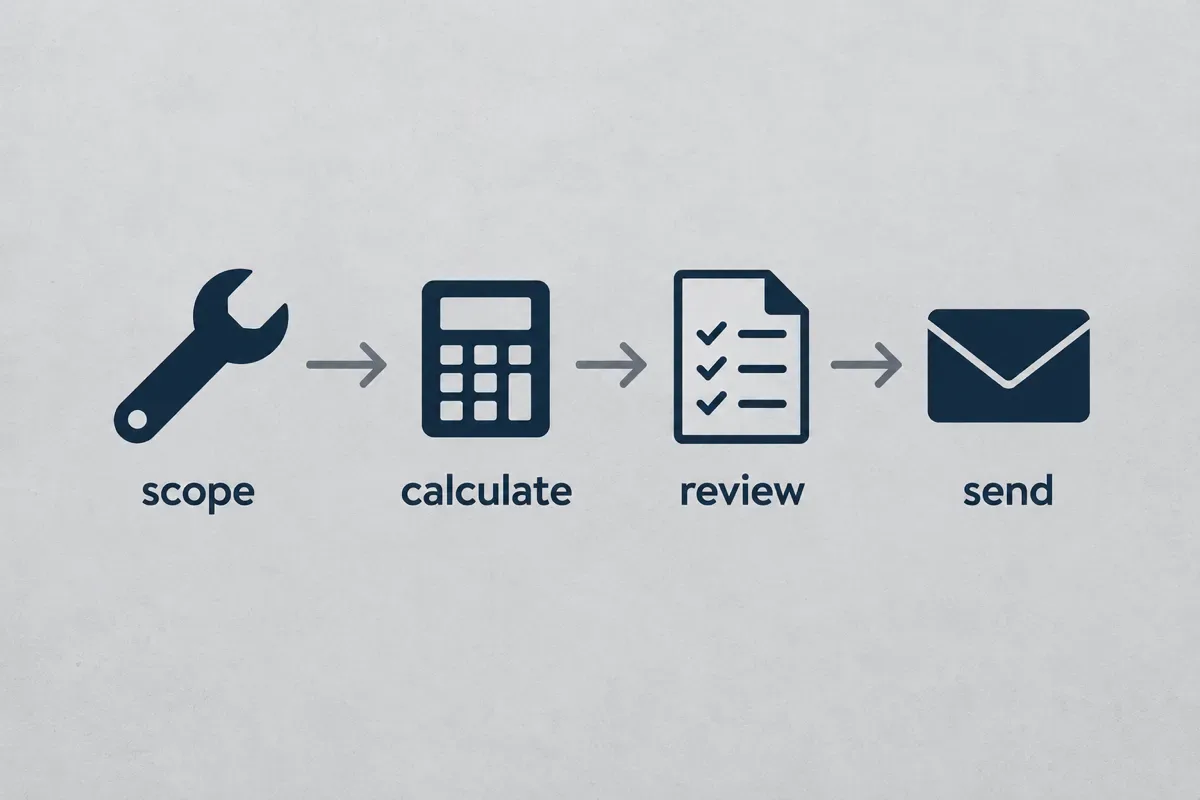
Free work order template: fill, print or download
The template below runs in your browser. Pick a trade preset, replace the sample details with the approved job, then download the PDF or print it for handwritten signatures. Your entries stay in the browser tab and are not saved, so download before you close it.
Use this template
Your entries stay in this browser tab. Download or print before leaving; this page does not save your document.
Document preview
It covers the fields a small crew actually uses: business and customer details, job address, document reference and date, access notes, two checkable task rows plus a notes field for longer task lists, parts used, arrival and departure times, hours on site, technician and customer sign-off, and follow-up work and exceptions. Optional line items, tax and deposit fields are there if you want the sheet to double as a job summary.
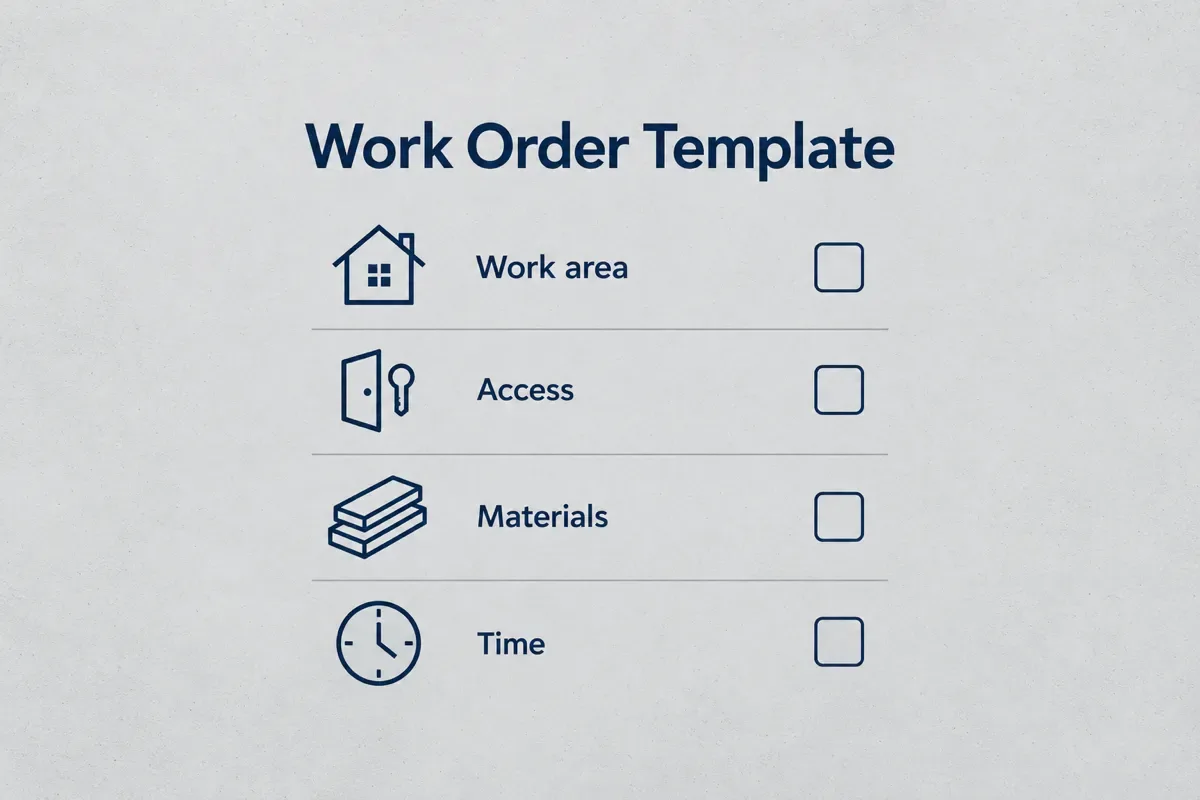
What to include in a work order
Every field below exists to stop one specific phone call. If a field never prevents a call or a dispute in your business, drop it.
| Field | Why it is there | Example entry |
|---|---|---|
| Job address | The billing address is often not where the work is | Rental unit B, rear entrance |
| Access notes | Saves the call from the driveway | Gate code shared by text, dog in yard, park on street |
| Approved tasks | Limits the visit to what the customer agreed | Replace 50-gal electric water heater |
| Exclusions | Stops scope creep on site | Drywall patch and paint not included |
| Parts used | Feeds the invoice and your restock list | 2 braided supply lines, 1 drain pan |
| Arrival, departure, hours | Checks your quote against reality | 08:30 to 11:15, 2.75 hours |
| Exceptions and follow-up | Records what did not get done and why | Shutoff valve seized, customer to approve new valve |
| Sign-off | Records who confirmed the visit and when | Technician and customer name plus date |
Keep sensitive details off a sheet that rides around in a truck. Share a lockbox or gate code through a channel you control, not printed on paper that a helper might leave on the dash.
How to write a work order
The short version: copy the approved scope, add what the tech needs to get in and get it done, then leave room for what really happened.
How to write a work order
- Start from the approved quote
Copy the customer name, job address and the exact tasks the customer approved. Use one document reference that matches the quote so you can find both later.
- Add access notes and exclusions
Write how to get in, where to park, who to ask for and any pets. List what is not included so nobody on site says yes to extra work by accident.
- List the parts to bring
Write the parts and quantities the job needs. Check stock the night before, while there is still time to pick up what is missing.
- Record the visit on site
Write arrival and departure times, the parts actually used and short notes on anything unexpected. Tick a task only when it is done.
- Name the exceptions
Leave unfinished tasks unticked and say why: part on order, customer decision, return visit needed. This is the line that saves the next visit.
- Get sign-off and file it
Have the technician and customer sign and date it, then keep the copy with the quote, photos and invoice for that job.

Work order example: a 50-gallon water heater swap
Here is a filled example for a common residential job. The names, times and parts are illustrative, not a benchmark for how long the job should take.
| Field | Filled example |
|---|---|
| Customer and job address | J. Rivera, 14 Elm St, Unit B (rear entrance) |
| Document reference | WO-0142, matches quote Q-0142 |
| Access notes | Water heater in garage, side door open, customer home after 8 am |
| Task 1 | Drain and disconnect old 50-gal electric water heater, haul away |
| Task 2 | Set new unit on pan, connect supply lines and T&P discharge, fill and test |
| Excluded | Electrical panel work, drywall repair |
| Parts used | 1 water heater (customer-approved model), 2 braided supply lines, 1 drain pan, 1 T&P discharge pipe |
| Arrival and departure | 08:30 to 11:15, 2.75 hours on site |
| Exceptions | Cold-side shutoff valve weeps when closed; replacement quoted separately, customer to decide |
| Sign-off | Tech: M. Shaw, Oct 14. Customer: J. Rivera, Oct 14 |
Notice what the exceptions line does. The water heater is done and working, but a second, smaller job is now open. Without that line the valve becomes "you never told me" on the next call. With it, the valve is a quote you can send the same afternoon with the estimate template or price from your handyman price list.
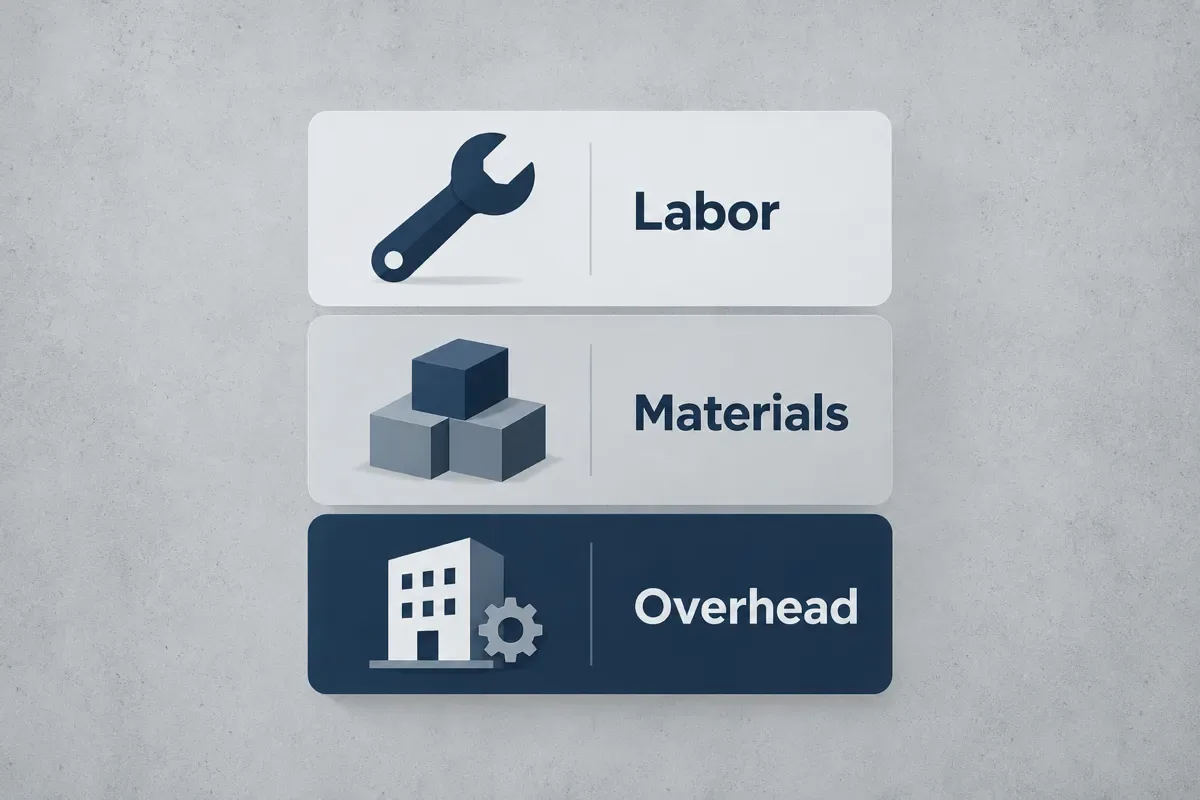
The hours line is your feedback loop. If you quoted two hours and the sheets keep coming back at 2.75, your labor number is off, not your crew. Run the real hours through the labor cost calculator before you quote the next one.
One-person crew or small team: what changes
The template is the same. What you fill in differs with who carries the sheet.
| Your situation | What the work order needs most |
|---|---|
| Owner working alone | Exceptions, parts used and hours, so the invoice and the next quote are right |
| Owner plus one helper | Access notes and exclusions, so the helper never has to call you from the driveway |
| Three to five people, two trucks | One reference per job, a named tech per task and sign-off, so you know who did what |
| Recurring visits (cleaning, lawn, pool) | A fixed task checklist per visit plus a notes line for anything different today |
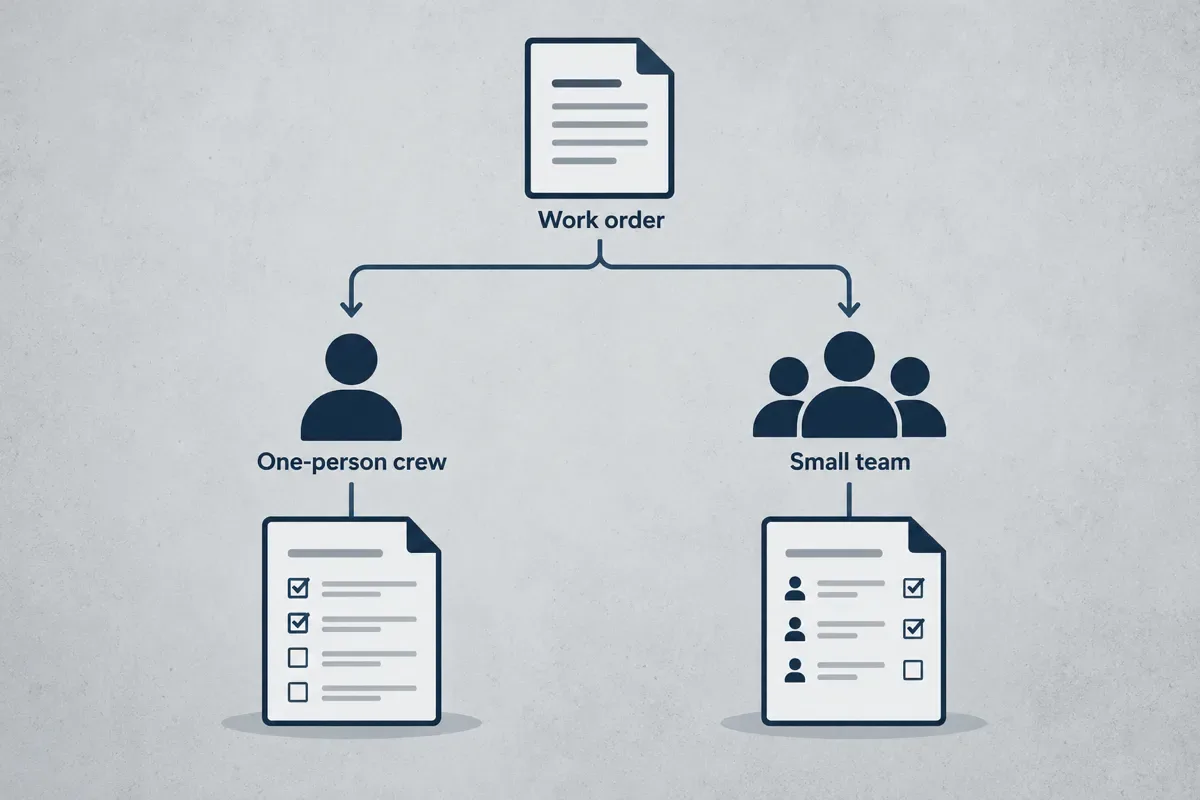
Recurring work makes the checklist do more of the job. A cleaning crew that runs the same 2,000 sq ft house every two weeks can reuse one task list per home, and the house cleaning price calculator shows how that visit is priced in the first place.
Mistakes that make a work order useless
- Ticking everything at the end of the day. A box ticked from memory at 6 pm is a guess. Tick it on site or leave it blank.
- No exclusions. If the sheet does not say "paint not included", the customer will assume it is.
- Writing "done" in the notes. Write what was done and what was not. "Done" hides the seized valve.
- Copying the whole quote, prices included, for a helper. The helper needs tasks and parts, not your margin.
- Throwing it away after the invoice. It is your record of what was agreed and done if a customer disputes the job later.
Sign-off and how long to keep work orders
The sign-off fields on this template are plain text fields, not a verified electronic signature service. Print the sheet if you want a handwritten signature. Under the federal E-SIGN Act, a signature or record cannot be denied legal effect solely because it is electronic, but that does not make every typed name proof of agreement. If a job needs stronger evidence of acceptance, use a proper signing process.
Keep work orders with the quote, photos and invoice for the same job. The IRS says to keep business records that support your tax return for at least 3 years in most cases, and longer in some situations, such as 4 years for employment tax records. Rules for contracts and warranties vary by state, so check yours.

Paper, PDF or app
The free template does the whole job for one visit. Fill it, print it or save the PDF, and you have a clean record. That works well for a handful of jobs a week.
The wall shows up when the numbers grow. You type the approved scope into the quote, again into the work order, and a third time into the invoice at the kitchen table at night. Every retype is a chance to drop the exclusion or the extra part.
Driveway Desk keeps the customer, the quote from your own price book, the schedule and the invoice in one place on your phone, so the job you priced is the job you bill. You review it and tap send, and payments go into your own account. If you are weighing bigger platforms, the Jobber vs Housecall Pro comparison lays out what each plan includes for a small crew.
Price it once, then start your first quote from the driveway next time.
Price it once, then start your first quote from the driveway next time.
Write the work order before the truck leaves
Copy the approved scope, add access and exclusions, list the parts, then let the tech record what really happened, including what did not. That last line is what makes the sheet worth keeping.
Starting out? The cleaning business startup guide and the lawn care startup guide cover the paperwork you need in the first month.
Start your first quote with the scope and prices you have reviewed.
Put the method to work
Work order templatePrepare a free work order with job address, access notes, task checks, parts, time on site and sign-off. Print or download the job sheet as a PDF.
Frequently asked questions
A work order is the instruction for doing a job the customer has already approved. It tells the person on site where to go, what to do and which parts to use, then records the time, parts, exceptions and sign-off from the visit.
Start from the approved quote. Copy the customer, job address and approved tasks, then add access notes, exclusions and the parts to bring. Leave space for arrival and departure times, parts actually used, exceptions and sign-off. The free template on this page has each of those fields.
A water heater swap is a typical one: job address and access notes, tasks (drain and remove the old tank, set and connect the new one, fill and test), parts used, 08:30 to 11:15 on site, an exception for a weeping shutoff valve and both signatures. The filled example table above shows every field.
At minimum: customer and job address, a reference number, access notes, the approved tasks, exclusions, parts used, arrival and departure times, exceptions or follow-up work and sign-off from the technician and customer. Prices are optional; many crews leave them on the quote and invoice.
Anything the person doing the job does not need: your cost and margin math, sensitive codes printed in plain text and work the customer has not approved. Unapproved extras go on a new quote or estimate first, then onto a work order once the customer agrees.
A service request is the customer asking for work, such as "my water heater is leaking". A work order is your instruction to do specific, approved work in response. One request can turn into a quote, then a work order once the price is accepted.
In a small crew, the owner or whoever booked the job writes it from the approved quote. The technician on site fills in the times, parts and exceptions, and the customer signs off when the work is done.
Put the method to work
Labor cost calculatorDivide paid-hour costs by the billable-hours ratio, then allow for your target margin to find a selling rate.
Your prices, remembered.
Build your first quote on your phone in about two minutes, send it, and get paid into your own account.
Start your first quoteShare article
About the author
Field notes team
We write practical guides for home service crews of one to five. Our editorial standard is to show the calculation, state its assumptions, cite primary sources for factual claims and date competitor comparisons. We distinguish worked examples from market prices and correct errors when they are found. We do not claim trade licenses or credentials on behalf of the team.
More articles

Running a small crew · 6 min
How to Start a Cleaning Business: Prices for Your First Homes
Start a cleaning business with the legal basics, a small supply kit and prices for standard, deep and move-out cleans, and quote every first visit as a deep clean.

Running a small crew · 6 min
How to Start a Lawn Care Business: Price Visits From Time
Start a lawn care business with the legal basics, equipment sized to your lawns, visit prices worked out from mowing and drive time, and seasonal agreements.

Running a small crew · 7 min
How to Start a Pressure Washing Business: Price It Before You Buy
Start a pressure washing business with the legal basics, the right equipment and a price sheet that sets a minimum charge and sells a second surface on every visit.

Pricing jobs · 9 min
Markup and margin calculator: check your job profit
Convert markup to margin, check parts and loaded labor, and see what a discount does to job profit. Includes a calculator and worked examples.

Pricing jobs · 10 min
Labor cost calculator: from hourly wage to billable rate
Divide paid-hour costs by the billable-hours ratio, then allow for your target margin to find a selling rate.

Pricing jobs · 10 min
Handyman price list
Build a handyman flat price from task hours and materials, using your own hourly rate and minimum visit.