
Estimate template: free fill-in PDF with a worked example
Driveway Desk team 23 October 2026 13 min read

Your next job
Less time at the desk.
Build your price book, schedule the next visit and turn completed work into an invoice.
Start your first quoteIn this article
An estimate template is a fill-in document that lists the job scope, labor and materials as separate lines, a fixed total or a range, how long the price holds and the assumptions behind it. Fill in the free template below on your phone, download the PDF and send it; the worked example prices a $388.50 bathroom faucet and shutoff job line by line.
Short answer
A good estimate shows scope, separate labor and materials lines, a total or range, a valid-until date and written assumptions. Fill in the template on this page and save it as a PDF.
Most free templates get the layout right and leave the hard part blank. The assumptions line, not the total, decides whether an estimate ends in a yes or an argument. A customer who read "price assumes the existing shutoff pipe is copper" before you started will accept a change when you find galvanized steel. A customer who only saw $388.50 will not.
Fill in the free estimate template
The template below works in your browser. Pick a trade preset to load starting line items, then replace them with the job in front of you. Choose a fixed estimate or a range, set the upper allowance, write your assumptions, and add a tax rate and deposit if they apply. Download the PDF, copy the text or print it.
Your entries stay in this browser tab and are not saved, so download before you close it. The total comes only from the quantities and unit prices you type.
Use this template
Your entries stay in this browser tab. Download or print before leaving; this page does not save your document.
Document preview
What goes on an estimate
A complete estimate answers three questions for the customer: what work, what it should cost, and what could change that number. Everything else is identification and paperwork. Here is every field, why it is there, and a real entry from the worked example further down.
| Field | Why it matters | Example entry |
|---|---|---|
| Your business name and contact | The customer has to reach you to approve | Name, phone, email, license number if your state issues one |
| Customer and job address | The address is where the scope applies | 14 Elm St, upstairs bathroom |
| Estimate number and date | Lets you match revisions to the invoice | E-1042, Oct 18 |
| Valid until | Material prices move; an old number should expire | 30 days from the date |
| Scope of work | Defines what the price covers | Replace vanity faucet and both angle stops |
| Labor lines | Shows hours and rate per task | 1.5 hr x $85, faucet swap |
| Materials lines | Shows parts and allowances with units | 2 angle stops with supply lines at $28 each |
| Tax | Rules on labor and materials vary by state | Enter the rate that applies to you |
| Fixed total or range | Signals how certain you are | $388.50 to $446.78 |
| Assumptions and exclusions | Names the unknowns before they cost you | Existing supply pipe is copper; drywall repair excluded |
| Deposit | Commits the customer and covers parts | $100 at approval |
| Approval | Turns the estimate into go-ahead | Customer signature or written reply with date |
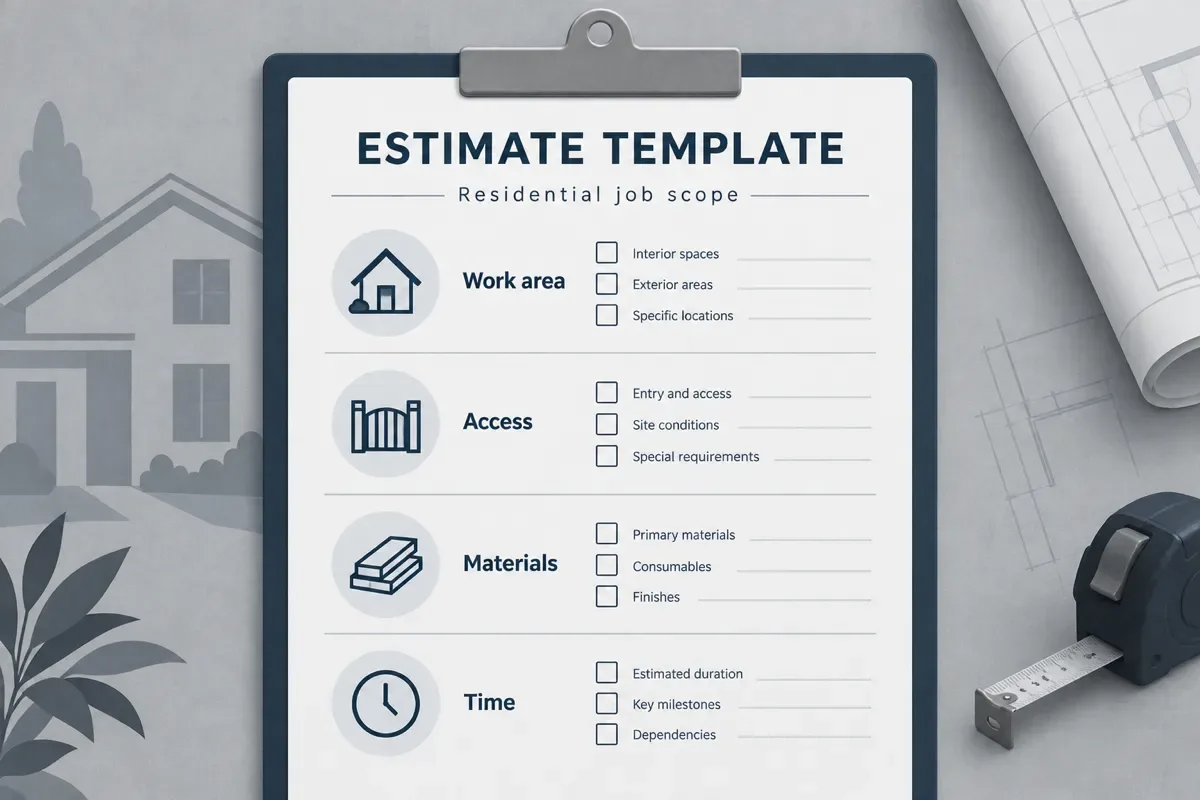
The field most owners skip is valid until. Without it, a customer can come back in March holding an October number. Thirty days is a simple default for small residential jobs; pick the window your supplier prices actually hold.
Estimate or quote: which one are you sending?
An estimate is your best calculation for a job with some unknowns. A quote is the price you commit to for a defined scope. Which one you send depends on how much you know, not on which word sounds more professional.
| Document | Use it when | How the price behaves |
|---|---|---|
| Estimate | You cannot see everything yet: behind walls, under floors, old fixtures | Expected cost, often a range, with assumptions that explain changes |
| Quote | You have done this exact job many times and measured it | One price for the stated scope; changes need a new agreement |
| Invoice | The work is done | The amount owed, matched back to the approved estimate or quote |
When the walkthrough removes the unknowns, switch to the fixed-price quote form instead. How binding either document is depends on its wording and your state's rules, so do not rely on the title alone.
How to write a job estimate
How to write a job estimate
- Walk and measure the job
Measure on site and write down quantities with their units: feet of pipe, square feet of floor, number of fixtures. Note anything you cannot see, such as the pipe behind a vanity or the condition of a subfloor.
- Split labor, materials and service lines
Give each task its own labor line with hours, and each part or allowance its own materials line with a unit. A trip charge or disposal fee goes on a service line. One lump sum hides the math the customer needs to say yes.
- Price labor from your real hourly cost
Use an hourly rate that covers wages, payroll costs, vehicle, overhead and the hours you cannot bill. The labor cost calculator works through that math; its worked example lands at $84.62 an hour.
- Write the assumptions and exclusions
Name each condition the price depends on and each item it leaves out. Add one sentence on what happens if a condition is wrong: extra work is priced and approved in writing before it starts.
- Choose fixed or range and set validity
Use a fixed total when the scope is known and a range when an assumption could fail. State the upper allowance as a percentage and give the estimate an expiry date.
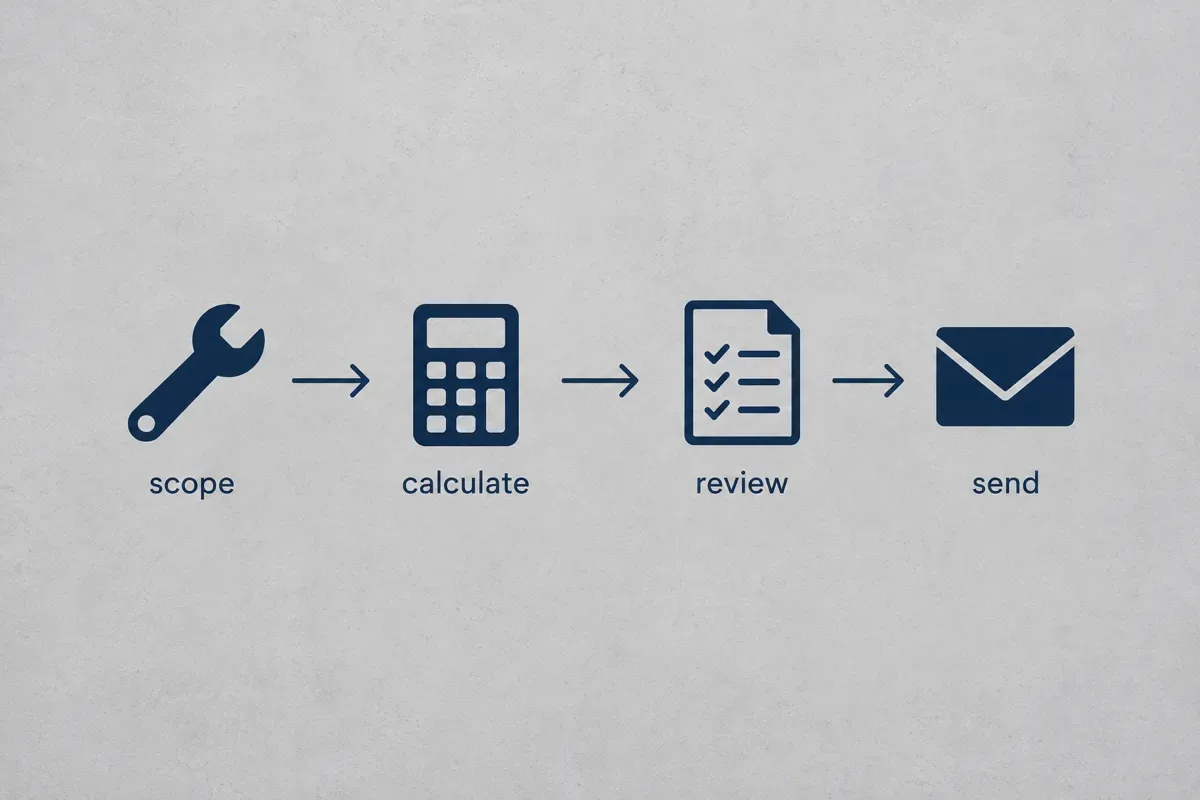
- Review and send
Check every quantity against your measurements, confirm the customer name and address, then download the PDF and send it the same day while the visit is fresh.

Worked example: a $388.50 faucet and shutoff job
These are example assumptions, not market rates: one handyman, an $85 hourly labor rate, a customer who wants a new bathroom faucet and two leaking angle stops replaced. Sales tax is left at zero here because the rules differ by state; enter your own rate in the template.
| Section | Line item | Qty | Unit price | Line total |
|---|---|---|---|---|
| Labor | Remove old faucet, install new faucet | 1.5 hr | $85.00 | $127.50 |
| Labor | Replace two angle stop valves | 1.0 hr | $85.00 | $85.00 |
| Materials | Faucet allowance, customer picks model up to $120 | 1 | $120.00 | $120.00 |
| Materials | Angle stop valve with supply line | 2 | $28.00 | $56.00 |
| Estimate | $388.50 | |||
| Upper allowance 15% ($388.50 x 0.15) | $58.28 | |||
| Range | $388.50 to $446.78 | |||
| Deposit at approval | $100.00 | |||
| Balance against the lower amount | $288.50 |
The 15% exists for one named reason, and the assumptions box says it: "Price assumes the existing supply pipe at both stops is copper in good condition. If it is corroded galvanized steel, replacement is priced and approved before work continues." That sentence turns a surprise into a decision the customer already expected.
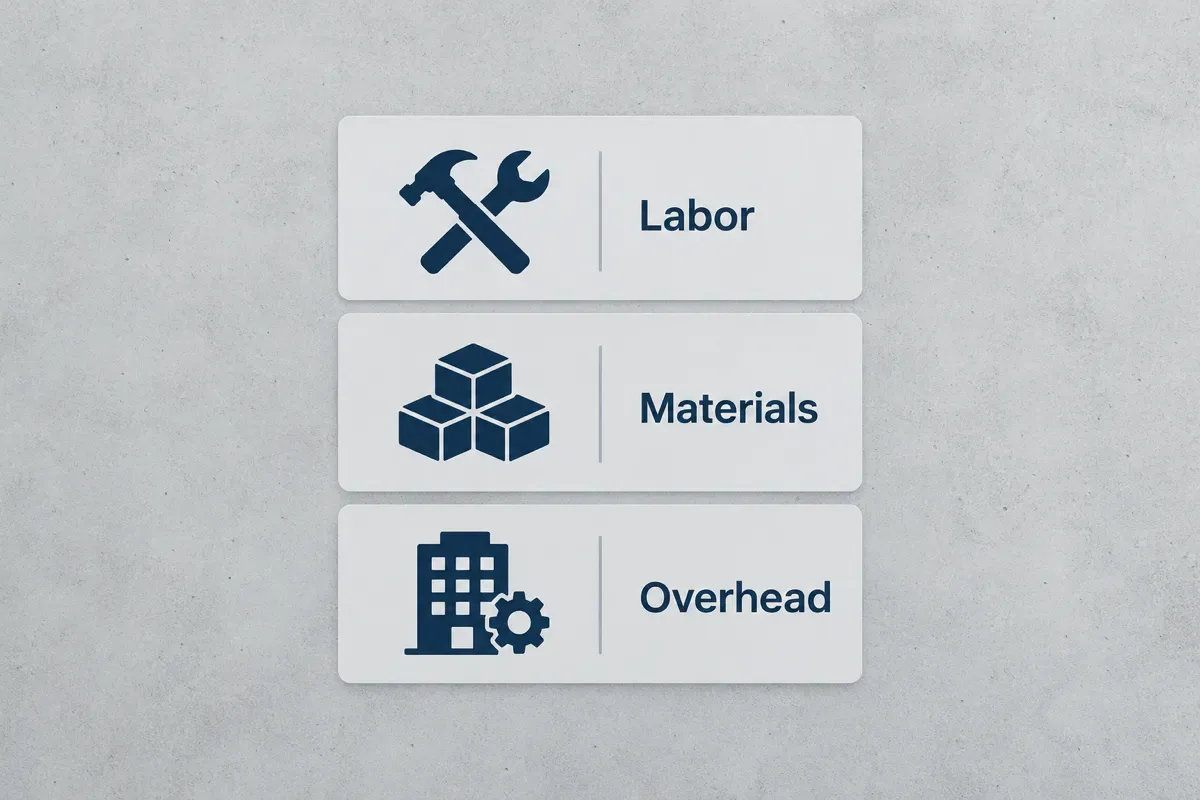
Notice what is not on the estimate: overhead. Your truck, phone, insurance and software are real costs, but they belong inside the $85 rate, not on a separate line the customer will question. Materials are different. If you buy the faucet, decide whether the $120 allowance includes your markup; the markup and margin calculator shows why a 20% markup is not a 20% margin.
Price it once, then start your first quote from the driveway next time.
Fixed estimate or range? Pick by situation
A range is not a sign of weakness. It is the honest format when an assumption could fail, and it protects you from absorbing the cost of something nobody could see. Use this verdict table.
| Your situation | Format | Why |
|---|---|---|
| A job you have done 20 times, fully visible | Fixed | You know the hours; a range only encourages haggling down |
| Work behind walls, under floors or on old fixtures | Range, with the reason in assumptions | The upper allowance pays for the condition you named |
| Customer supplies the parts | Fixed labor, materials excluded | You only control your own time |
| Recurring service visits (mowing, cleaning) | Fixed per visit | Price the first visit separately if it is heavier |
| Multi-day job with a helper | Range, split by phase | Lets you re-estimate after demolition shows the real scope |
For recurring work, the per-visit math lives in the house cleaning price calculator and the per-visit mowing price math. Use their result as the labor line and keep the estimate fixed.
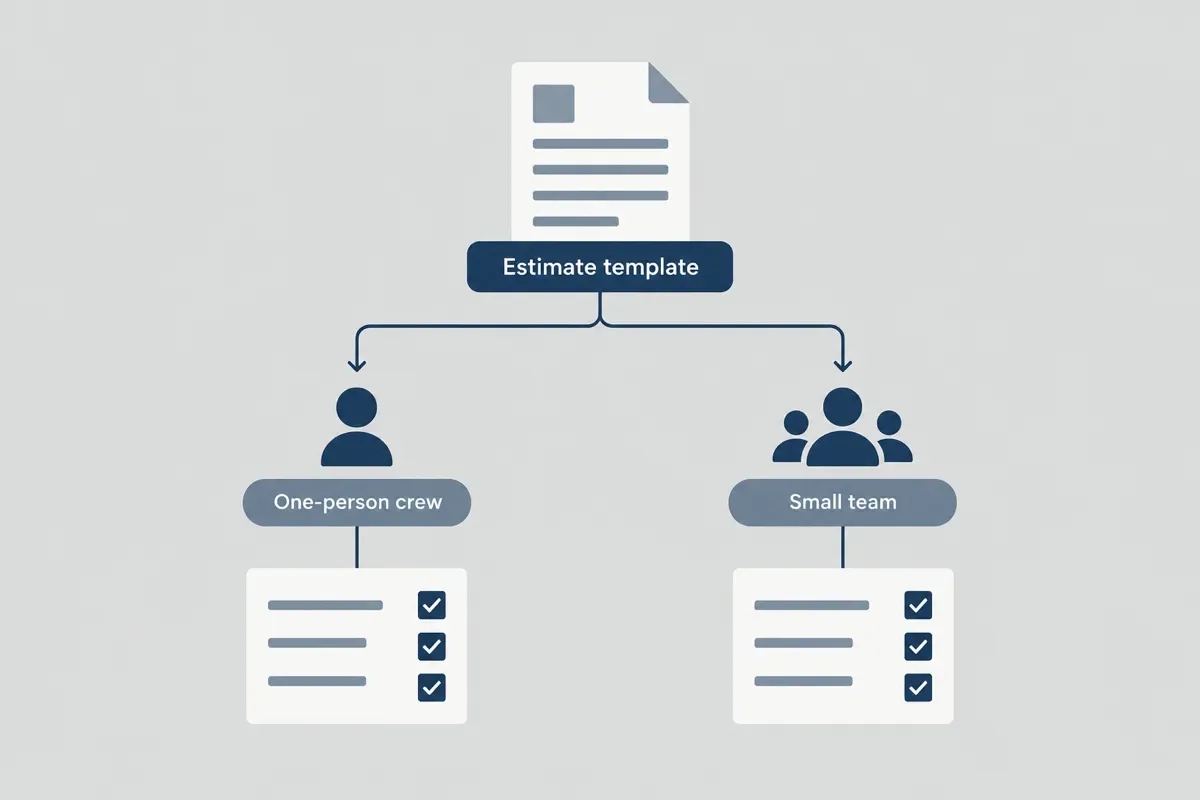
One-person crew
You measure, price and send, so the risk is speed, not miscommunication. Send the estimate from the driveway before you leave, while the measurements are in your hand. An estimate written that night at the kitchen table is the one with the missing line.
Crew of two to five
Whoever walks the job writes the assumptions, even if someone else sends the estimate. Price labor in worker-hours: two people for three hours is six worker-hours on the estimate, not three. Keep one price list the whole crew uses so two people never quote the same faucet swap two different ways; the handyman price list is a working starting point.
Mistakes that turn an estimate into an argument
- No valid-until date. A customer approves in spring at last fall's number, and the parts now cost more. A 30-day validity date fixes it.
- One lump sum. "$388.50, bathroom work" gives the customer nothing to agree with line by line, so they negotiate the total.
- Vague assumptions. "Conditions may vary" protects nobody. "Existing supply pipe is copper" can be checked and agreed.
- Materials at your cost. Buying the faucet, carrying the return risk and charging exactly what you paid is working for free on that line.
- Ignoring the age of the house. Paint-disturbing work in homes built before 1978 falls under the EPA lead renovation, repair and painting rule, which requires certified firms and lead-safe practices. If it applies, the extra setup and cleanup belong in the scope, not in an argument later.
- Changing the job without a revision. If the scope changes, send a revised estimate with a new number and date instead of a note the customer may never read.
Word, Excel, Google Docs or a phone: which format works?
Every format can hold the fields above. They differ in whether they do the math, whether they work from a driveway, and whether you can find the estimate again when the job turns into an invoice.
| Format | Good at | Where it breaks |
|---|---|---|
| Word or Google Docs | Clean layout, easy to brand | Totals are typed by hand, so one wrong line breaks the total |
| Excel or Google Sheets | Line totals and tax calculate themselves | Awkward to fill in on a phone; layout drifts when printed |
| Fillable PDF | Looks the same on every screen | You retype your prices on every new job |
| The browser template above | Math, range and PDF in one place, no account | Nothing is saved after you close the tab |
| A quoting app | Your price list remembered, history per customer | A monthly subscription; check what each plan includes |
The manual method works, and the template above is the full version of it. The wall it hits is repetition: typing the same $85 rate and the same $28 angle stop on every estimate, then digging through your phone's downloads to find which version the customer approved. Driveway Desk keeps your price book, builds the estimate on your phone in the driveway, and turns the approved version into an invoice paid into your own Stripe or Square account. If you are weighing it against the bigger platforms, the Jobber vs Housecall Pro comparison lays out what those plans include.
Price it once, then start your first quote from the driveway next time.
Before you send the estimate
Read the assumptions line out loud. If the customer could not check it on site, rewrite it until they could. Then confirm the valid-until date, the deposit and the range, and send the PDF the same day.
Once the customer approves, the agreed tasks move onto a work order for the visit, and the estimate stays with the job so the final invoice can be read against it. If you are still setting up the business behind the estimates, the first-year cleaning business guide covers pricing the first homes.
Put the method to work
Labor cost calculatorDivide paid-hour costs by the billable-hours ratio, then allow for your target margin to find a selling rate.
Frequently asked questions
The fill-in estimate template at the top of this page is free and needs no account. It calculates line totals, a fixed amount or a range, tax and deposit, then saves a PDF. Your entries stay in your browser tab, so download the PDF before you close it.
Measure the job on site, list each task as a labor line with hours and each part as a materials line with a unit, then price labor from your real hourly cost. Write the assumptions the price depends on, choose a fixed total or a range, set a valid-until date and review every quantity before you send it.
Word can search its template gallery from File, then New, and the results change over time. Any Word table with the fields listed on this page works as an estimate. Word does not total the lines by itself unless you add a table formula such as =SUM(ABOVE), so check the math or use a spreadsheet or the template above.
Put Description, Quantity, Unit price and Line total in columns A to D, and set D2 to =B2*C2 copied down. Add a subtotal with =SUM over the line totals, a tax cell that multiplies the subtotal by your rate, and a total. For a range, add a cell that multiplies the total by 1 plus your allowance, such as 1.15 for 15%.
Several invoicing and field service apps offer free plans or trials that include estimates, and their terms change, so check each app's current pricing page. If you only need a document today, the browser template on this page is free and makes a PDF without an account.
Make one row per task you sell with columns for the unit, your material cost, the labor minutes and your selling price. Calculate the price from your hourly rate times the minutes plus marked-up materials, then copy those rows into each estimate instead of pricing from memory. Review the sheet whenever supplier prices change.
Put the method to work
Quote templateFill a quote with your own scope, quantities, prices, tax and deposit. Download a free PDF or print it directly from your browser.
Your prices, remembered.
Build your first quote on your phone in about two minutes, send it, and get paid into your own account.
Start your first quoteShare article
About the author
Field notes team
We write practical guides for home service crews of one to five. Our editorial standard is to show the calculation, state its assumptions, cite primary sources for factual claims and date competitor comparisons. We distinguish worked examples from market prices and correct errors when they are found. We do not claim trade licenses or credentials on behalf of the team.
More articles

Running a small crew · 12 min
Work order template: free printable job sheet with a filled example
A free work order template you can fill in, print or save as a PDF, plus what to include, how to write one and a filled example from a real residential job.

Pricing jobs · 9 min
Markup and margin calculator: check your job profit
Convert markup to margin, check parts and loaded labor, and see what a discount does to job profit. Includes a calculator and worked examples.

Pricing jobs · 10 min
Labor cost calculator: from hourly wage to billable rate
Divide paid-hour costs by the billable-hours ratio, then allow for your target margin to find a selling rate.

Pricing jobs · 10 min
Handyman price list
Build a handyman flat price from task hours and materials, using your own hourly rate and minimum visit.
Pricing jobs · 13 min
Pressure washing price calculator: per sq ft rates, minimums and a worked job
Price driveways, siding, decks and fences by the square foot, apply your minimum once per visit, and check the total against your hours. Includes a live calculator and a worked two-car driveway and house wash example.
Pricing jobs · 12 min
Lawn mowing price calculator: price every mow by the minute
Turn lawn size, deck width, trimming and drive time into a per-visit mowing price, with a pricing chart by lawn size and a worked quarter-acre weekly mow.