Housecall Pro Pricing 2026: Basic, Essentials and MAX
Driveway Desk team 3 November 2026 10 min read

Your next job
Less time at the desk.
Build your price book, schedule the next visit and turn completed work into an invoice.
Start your first quoteIn this article
Compare Housecall Pro pricing for small crews, with standard plan costs, included users, QuickBooks requirements and separate payment-fee notes.
Short answer
Compare Housecall Pro pricing for small crews, with standard plan costs, included users, QuickBooks requirements and separate payment-fee notes.
Try the calculator
Housecall Pro pricing: crew cost calculator
Compare subscription costs for the selected plans with QuickBooks Online sync. Annual means paid annually; introductory discounts are excluded.
1 person
3 people
5 people
Subscription only, USD. Taxes, processing fees and optional add-ons are separate. No extra-user fee applies to the included seats in these 1, 3 and 5-person scenarios.
- Jobber official pricing. Prices checked 2026-10-12.
- Housecall Pro official pricing. Prices checked 2026-10-12.
Housecall Pro standard US plans. Prices checked 2026-11-02.
| Plan / seats | Monthly, no annual term | Annual equivalent / month | Notes |
|---|---|---|---|
| Basic / 1 | $79 | $59 | Scheduling, quotes, invoices and online booking |
| Essentials / 5 | $189 | $149 | QuickBooks Online sync and team tools |
| MAX / 8 | $329 | $299 | Service plans, route optimization and API; $35/month per additional user |
Cost for 1, 3 and 5 people with QuickBooks Online sync. USD subscription per month.
| Product / plan | 1 person monthly / annual equivalent | 3 people monthly / annual equivalent | 5 people monthly / annual equivalent |
|---|---|---|---|
| Jobber Connect | $139 / $99 | $199 / $149 | $199 / $149 |
| Housecall Pro Essentials | $189 / $149 | $189 / $149 | $189 / $149 |
Housecall Pro pricing: Basic, Essentials and MAX
Housecall Pro’s page presents standard monthly and annual options alongside introductory promotions. This comparison uses the ordinary subscription prices, with annual figures shown as monthly equivalents. That keeps an ongoing budget from depending on a temporary offer. When you review a checkout or sales proposal, check the renewal price, payment frequency and included users together. A first-month reduction is different from a lower recurring plan price.

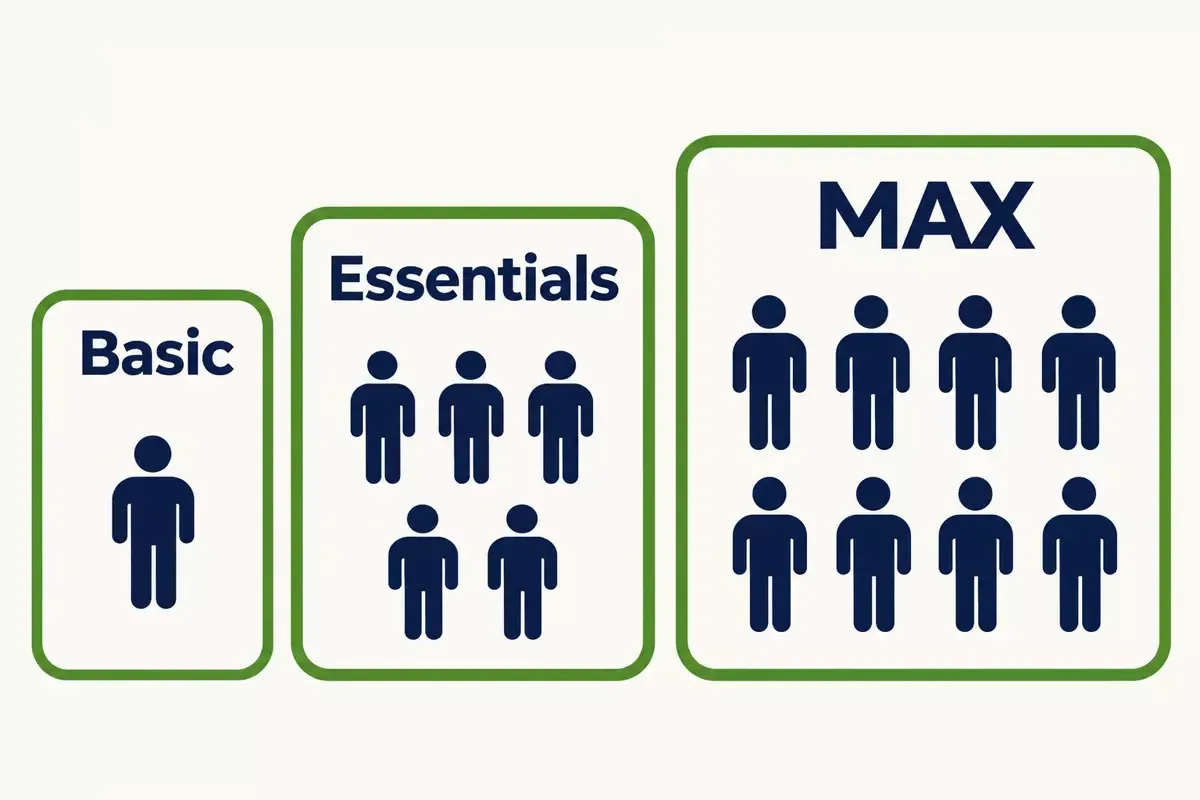
Basic covers one user, while Essentials includes five and MAX includes eight in the published table. The differences also concern features, so headcount alone is not enough to select a plan. An owner who wants accounting synchronization may need a higher tier even without a helper. Write down the capabilities you need today and the ones you are only considering for later, then compare the relevant plans against that list.
Try the work order template to define the information that should travel with a technician. Use the estimate template to capture the pricing assumptions that precede the job. Those documents can become a practical demonstration script when testing software: create this customer, send this scope, assign this visit, and retain this outcome. It is easier to assess a plan when the trial reflects the actual handoffs in your business rather than only the vendor’s sample workflow.
Housecall Pro pricing for a one-to-five-person crew
For a consistent accounting comparison, the calculator uses Essentials for each crew size because its published features include QuickBooks Online synchronization. One, three and five people therefore share the same subscription amount in this scenario. That does not mean a single owner can never use Basic. It means the calculator holds the accounting requirement constant instead of changing features as soon as the headcount changes.

All five seats are included in Essentials, so the displayed three- and five-person totals do not add a user surcharge. The live MAX listing separately states an additional-user amount beyond its eight included users. That rule is not applied to Essentials or to the small-crew scenarios shown here. If your office staff and field staff together exceed the included count, ask the vendor which plan and access rules apply before extending the calculation.
The Jobber pricing page shows another approach with separate single-user and team bundles. For your own operational costs, use the labor cost calculator rather than dividing subscription seats into an hourly wage. Keep software, labor and processing expenses distinct. They respond to different changes: another employee, another transaction, or a different software requirement. That separation makes it easier to see why the budget changed when the business adds work or people.
Housecall Pro pricing: accounting and follow-up requirements
Essentials lists QuickBooks Online synchronization, while MAX adds capabilities such as Service Plans and API access. Housecall Pro also presents Pipeline separately on the pricing page as a way to manage leads and follow-ups. Do not assume every follow-up workflow is included in the base plan simply because the vendor offers it somewhere in the product. Confirm the exact capability and any additional price for the configuration you intend to purchase.
Bring an example of your current process to a demonstration. If the customer accepts only part of an estimate, what happens to the remaining work? If a deposit is collected before the appointment, how does it appear in the accounting record? If the job is rescheduled, what does the technician see? A test with those questions is more informative than checking a generic box for “automation” on a feature matrix.

Use the quote template as a sample document, then compare the same case in the Jobber versus Housecall Pro guide. The Jobber alternatives page adds different pricing models to the shortlist. Keep unconfirmed add-ons outside the calculated total and request a written price for them. Marking an unknown is more useful than assigning a zero that makes the software appear to meet your requirements at a cost you have not verified.
Housecall Pro cost: payment fees and a worked budget
Housecall Pro advertises card processing from 2.59% and lists a 1% bank-payment fee on its pricing page (checked 2026-11-02). The word “from” matters: it is not evidence that every online transaction will use that exact rate. Confirm the applicable method, transaction charges and other terms before calculating a full payment budget. The subscription calculator intentionally reports the plan cost separately so that an advertised floor is not presented as your guaranteed total expense.
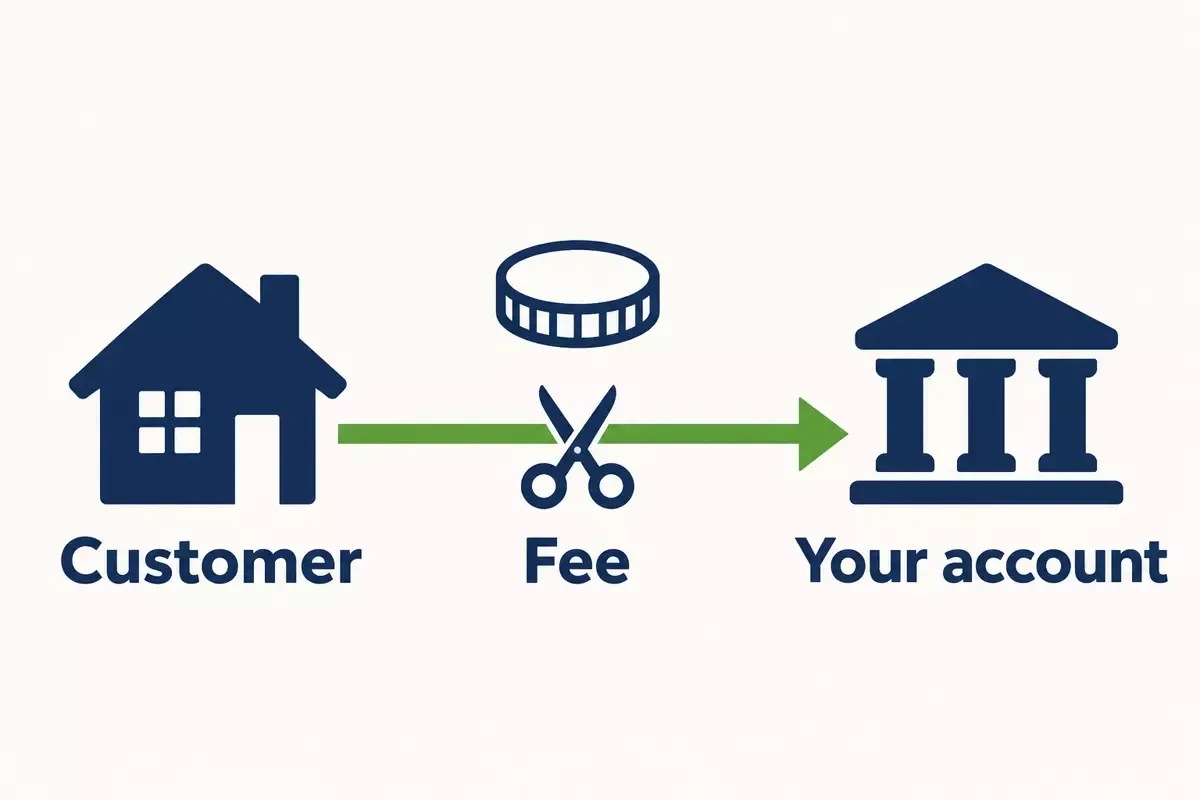
For scale, 2.59% of $10,000 is $259. That is only the percentage component at the advertised starting rate. It is not a complete processing quote and should not be compared directly with another vendor’s fully specified online transaction example. If your applicable agreement has a fixed transaction component, add the transaction count multiplied by that amount. Use the same revenue, method and transaction count on both sides of any comparison.
The markup and margin calculator can help inspect how costs affect a job’s margin, but payment terms still need to be agreed with the provider. Consider how deposits and final balances divide a job into separate payments. Keep refunds and adjustments in the review as well. A useful budget records the assumptions beside the result so you can update it when your collection pattern changes, instead of treating one month’s estimate as a permanent software cost.
Housecall Pro pricing: deciding whether the workflow fits
Housecall Pro is worth evaluating when your crew needs a coordinated path from a customer request to a scheduled job and a completed invoice. The question is which available features you will use and how the selected plan handles your work. For recurring maintenance, examine the service-plan workflow. For a small repair crew, examine the technician’s job information and the office handoff. Different businesses can reach different conclusions from the same subscription table.

Ask the person who normally does the administrative work to complete a realistic task during the trial. Record where they need help, what information they have to re-enter, and whether the resulting records are understandable later. Then repeat the task after they have learned the interface. This gives you a practical basis for deciding whether the change is worthwhile without relying on unsupported claims about hours saved or revenue gained.

Driveway Desk’s scope includes quotes, scheduling, customer history and invoices for home-service businesses with small crews. Read its plan details separately. You can compare other approaches from the comparison hub, or continue with the free document tools while deciding. Preserve your existing records and check how data moves into and out of any chosen system. The best fit for your business should be demonstrated by a repeatable workflow, an understood cost and clear ownership of the records you need.
Sources and pricing dates
- Jobber official pricing. Prices checked 2026-11-02. Standard official prices in USD, excluding introductory promotions and tax. Confirm current terms before purchase.
- Housecall Pro official pricing. Prices checked 2026-11-02. Standard official prices in USD, excluding introductory promotions and tax. Confirm current terms before purchase.
Product names identify their respective owners. Driveway Desk is not affiliated with these vendors.
Price it once, then start your first quote from the driveway next time.
Price it once, then start your first quote from the driveway next time.
Review the job before you send it
Use your own costs, scope and completed-job records. Check the result against the time and materials you expect to use. Your next quote should reflect the job in front of you, not a national average.
Start your first quote with the scope and prices you have reviewed.
Frequently asked questions
It depends on crew size and requirements. Holding QuickBooks Online sync constant, the dated standard prices on our comparison put Jobber Connect lower for a solo owner, while the selected team plans tie on the annual monthly equivalent for three and five people. Processing fees are separate.
Test it on one real job in the tier you would actually buy: quote, schedule, complete and sync to your books. If that saves you office time every week, the subscription can pay for itself. A feature list alone does not answer it.
The calculator holds QuickBooks Online synchronization as a requirement, and the published Essentials feature list includes it. A solo business that does not need that feature may evaluate Basic separately. Holding requirements steady makes the headcount comparison useful instead of silently changing the workflow represented by each total.
In the displayed Essentials scenario, both groups fit within the five included users and therefore have the same subscription cost. This is a plan-bundle calculation, not a universal per-person rule. Check the vendor’s current access terms if the business needs additional office, contractor or accountant logins beyond the assumed count.
The pricing page describes that figure as a starting rate. It is not a complete promise about every transaction method or account. Ask for the applicable processing terms, including any fixed component, and use your expected revenue and transaction count before comparing it with another provider’s specified online rate.
The pricing page presents Pipeline separately for lead and follow-up workflows. Confirm which exact automation you need, the tier that supports it and whether an additional price applies. This comparison leaves unconfirmed add-ons outside the calculator rather than assuming that every advertised capability is included at the base subscription amount.
The annual column expresses an annual-payment option as a monthly equivalent for comparison. Verify the actual payment schedule and renewal terms in the current offer. An equivalent monthly amount is a budgeting shorthand and should not be confused with a no-commitment subscription that is charged one month at a time.
Put the method to work
Labor cost calculatorDivide paid-hour costs by the billable-hours ratio, then allow for your target margin to find a selling rate.
Your prices, remembered.
Build your first quote on your phone in about two minutes, send it, and get paid into your own account.
Start your first quoteShare article
About the author
Field notes team
We write practical guides for home service crews of one to five. Our editorial standard is to show the calculation, state its assumptions, cite primary sources for factual claims and date competitor comparisons. We distinguish worked examples from market prices and correct errors when they are found. We do not claim trade licenses or credentials on behalf of the team.
More articles

Running a small crew · 11 min
How to Become a Handyman: 5 Steps and the Math That Pays
How to become a handyman: build the skills on paid hours, check your state's license line, register and insure, then set a minimum visit. Real BLS pay figures and the drive-time math that decides what you earn.

Running a small crew · 12 min
How to Get a Handyman License: State Rules and Dollar Limits
How to get a handyman license: many states have none, so the job decides. The dollar limit, the permit, the trade and your helpers set the line. Rules for California, Tennessee, Louisiana, Ohio and Wisconsin, plus the steps to license up.

Running a small crew · 9 min
Jobber Alternatives: 4 Options Priced for Small Crews
Find a Jobber alternative for a small crew. Compare dated vendor costs, user limits and job allowances, then test the workflow your business needs.

Running a small crew · 9 min
Jobber vs Housecall Pro: Real Prices for 1 to 5 People
Jobber vs Housecall Pro compared on the plans that include QuickBooks sync, for one to five people, with prices from both pricing pages checked November 2, 2026.

Running a small crew · 10 min
Jobber Pricing 2026: Real Cost for 1, 3 and 5 People
Review Jobber pricing for one, three or five people, with dated plan costs, QuickBooks gates and payment-fee examples for a small service crew.

Running a small crew · 12 min
Work order template: free printable job sheet with a filled example
A free work order template you can fill in, print or save as a PDF, plus what to include, how to write one and a filled example from a real residential job.