Jobber Alternatives: 4 Options Priced for Small Crews
Driveway Desk team 3 November 2026 9 min read

Your next job
Less time at the desk.
Build your price book, schedule the next visit and turn completed work into an invoice.
Start your first quoteIn this article
Find a Jobber alternative for a small crew. Compare dated vendor costs, user limits and job allowances, then test the workflow your business needs.
Short answer
Find a Jobber alternative for a small crew. Compare dated vendor costs, user limits and job allowances, then test the workflow your business needs.
Try the calculator
Jobber alternative: crew cost calculator
Compare subscription costs for the selected plans with QuickBooks Online sync. Annual means paid annually; introductory discounts are excluded.
1 person
3 people
5 people
Subscription only, USD. Taxes, processing fees and optional add-ons are separate. No extra-user fee applies to the included seats in these 1, 3 and 5-person scenarios.
- Jobber official pricing. Prices checked 2026-10-12.
- Housecall Pro official pricing. Prices checked 2026-10-12.
- ServiceM8 US pricing. Prices checked 2026-10-12.
- Kickserv official pricing. Prices checked 2026-10-12.
Standard subscription comparison checked November 2, 2026, USD. Annual amounts are monthly equivalents.
| Vendor / selected plan | 1 person | 3 people | 5 people | Billing and limits |
|---|---|---|---|---|
| Jobber Connect | $139 | $199 | $199 | Monthly. Annual equivalent: $99 / $149 / $149 |
| Housecall Pro Essentials | $189 | $189 | $189 | Monthly. Annual equivalent: $149 for all crew sizes |
| ServiceM8 Starter | $29 | $29 | $29 | Monthly; 50 jobs/month, unlimited users |
| Kickserv Start | $75 | $75 | $75 | Monthly; annual equivalent $60; five users and QuickBooks Online integration |
Jobber alternative: start with the reason to switch
Write down what the current setup is failing to do before choosing a replacement. A solo operator who needs faster quotes has a different problem from a dispatcher who needs five people to see the right job details. Price can be a valid reason to review software, but a cheaper subscription that still leaves the original problem unresolved may not be a useful change. Define the recurring task and the result you expect to improve.

The table compares four vendors for one, three and five people using a clearly stated plan basis. Jobber Connect and Housecall Pro Essentials provide the accounting feature used in the comparison. ServiceM8 Starter uses a job-volume allowance with unlimited users. Kickserv Start includes five users at the standard monthly or annual rate confirmed on its live pricing page. These are different packaging models, so read the notes before treating the lowest amount as an equivalent offer.
Build a representative customer document with the quote template, then use that same example during demonstrations. A work order adds the field handoff to the test. The shortlist is useful when each candidate is asked to complete the work you actually do, with its limits and extra costs visible beside the subscription rather than discovered after a switch.
Jobber competitors: included users versus job volume
An included-user plan and a job-volume plan respond to different kinds of growth. Adding a helper may leave a five-seat subscription unchanged until the included capacity is used. Under a volume-based plan, a larger number of jobs can matter even if the same people perform them. A crew doing many short visits therefore needs to check a different limit from a crew doing a few long installations.
ServiceM8’s live US page lists Starter with unlimited users and 50 jobs per month. The paid plan can therefore show the same subscription for one, three and five people while still having a usage boundary. Do not read “unlimited users” as unlimited work or identical access on every device. Check device support, job definitions and the next plan’s allowance with the vendor using the way your business records repeat visits and new requests.

Use the lawn mowing price calculator to think through visit-level work, and the estimate template for a larger individual project. Neither tool determines how a software vendor counts a job. Ask that question explicitly, especially for recurring service. Estimate your busiest plausible month as well as an average one so the price comparison includes the tier you might need when work increases, not only the quiet-month entry point.
Jobber alternative: reading the Kickserv plan limits
Kickserv’s official pricing page lists Start for five users at $75 per month with monthly billing, or a $60 monthly equivalent with annual billing. These standard amounts were checked on November 2, 2026 using both billing options. The same Start subscription covers the one, three and five people in this table because each crew fits within its included capacity. No extra-user charge is needed for these examples.
Start lists time tracking, expense tracking, automated email and text reminders, and QuickBooks Online accounting integration. Keep that last feature distinct from QuickBooks Desktop: the pricing page places Desktop integration on Run with a separately listed charge. Ask which records move between systems and how your accountant handles corrections before treating an integration label as proof that it fits your bookkeeping process. A sample customer and invoice can make that conversation concrete.

The table excludes conditional discounts linked to payment processing volume and any introductory offer. Compare the standard subscription first, then evaluate a discount against its own requirements. The Jobber pricing guide and Housecall Pro pricing guide provide the corresponding plan context for the other two accounting-enabled options. Confirm current billing terms, taxes and any additional services directly with each vendor before purchase, especially if your crew grows beyond the five-person examples used here.
Jobber alternatives: compare the whole job workflow
A practical software test starts before the invoice. Capture a request, prepare the scope, revise the price, schedule the visit, record the outcome and find the customer history afterward. Include a deposit or a changed appointment if those are common in your business. A product may handle each individual task but still require a handoff that is awkward for the person doing the work. That is something a demonstration can reveal.
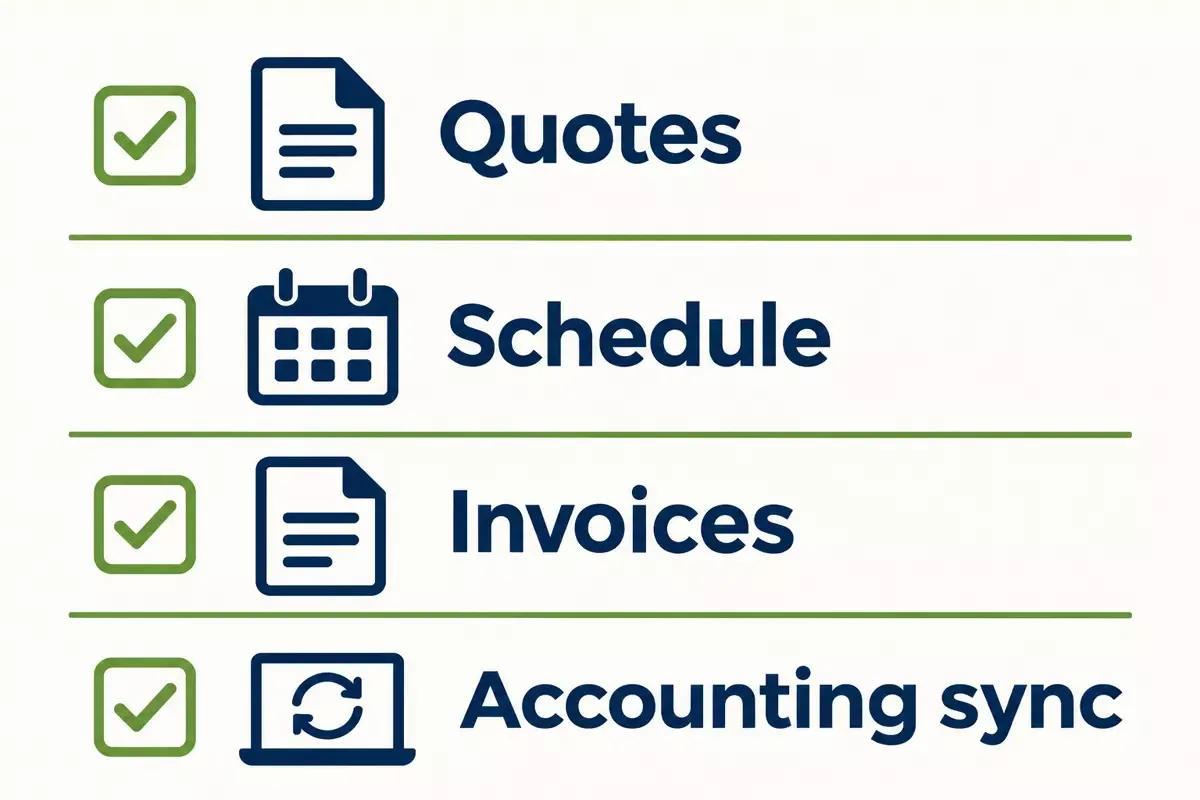
Check the accounting integration with sample records and involve whoever maintains the books. Ask how duplicates, taxes, corrections and payments are represented. Confirm which tasks require a higher tier or an add-on before you assign a final monthly amount to the option. The Jobber versus Housecall Pro comparison illustrates why holding one requirement constant produces a more useful cost comparison than placing entry plans side by side.
The labor cost calculator can help you understand your business’s own cost structure while evaluating software, but it cannot prove an administrative time saving. Record the steps you actually complete and the information you must enter twice. Keep device suitability and access permissions in the test, especially when helpers use different phones. A clear result from a realistic task is better evidence of fit than a feature name that nobody on the crew has tried.
Jobber alternative: where Driveway Desk fits
Driveway Desk is designed around the paperwork and scheduling loop of a small home-service business: reusable prices, customer quotes, a schedule, job history and invoices. It belongs on a shortlist when that scope matches the owner’s recurring work. Its prices are described on the pricing page, separately from the vendor table here. This page does not claim that the products have identical capabilities or that one is the right choice for every crew.

Before moving records, decide what must be retained and how the team will handle work already in progress. Keep copies of customer approvals, open estimates, unpaid invoices and future appointments. Test an export and a small sample import where the candidate supports them. A transition has practical costs even if the subscription is lower, so include the time needed to prepare records and teach the people who will use the new process.
Return to the blog to review the detailed plan pages while you assess the options. A document template may be enough for occasional quoting; an ongoing system may become useful when information must follow the job across several people and visits. Let that operational need guide the decision, then verify the current plan, billing basis and limits directly with the vendor before committing to a replacement.
Sources and pricing dates
- Jobber official pricing. Prices checked 2026-11-02. Standard official prices in USD, excluding introductory promotions and tax. Confirm current terms before purchase.
- Housecall Pro official pricing (housecallpro.com/pricing). Prices checked 2026-11-02. Standard official prices in USD, excluding introductory promotions and tax. Confirm current terms before purchase.
- ServiceM8 US pricing (servicem8.com/us/pricing). Prices checked 2026-11-02. Starter includes unlimited users and 50 jobs per month. Prices are in USD.
- Kickserv official pricing. Prices checked 2026-11-02. Live monthly and annual billing options checked. Start includes five users and QuickBooks Online integration; conditional payment-volume discounts are excluded.
Product names identify their respective owners. Driveway Desk is not affiliated with these vendors.
Price it once, then start your first quote from the driveway next time.
Price it once, then start your first quote from the driveway next time.
Review the job before you send it
Use your own costs, scope and completed-job records. Check the result against the time and materials you expect to use. Your next quote should reflect the job in front of you, not a national average.
Start your first quote with the scope and prices you have reviewed.
Frequently asked questions
The live US pricing page lists unlimited users for Starter, alongside a monthly job allowance. Those are different limits. Check how your repeat visits and new requests count, what device support you need and which tier applies during a busy month before treating the entry subscription as a complete fit.
The official plan checked on October 12, 2026 includes five users, so the one, three and five-person examples use the same Start subscription. Its standard monthly price is $75, or a $60 monthly equivalent with annual billing. Confirm requirements for a larger crew and any optional services separately with Kickserv.
Driveway Desk is described by its workflow here, with a link to its own pricing page for plan details. The competitor table is reserved for the dated vendor figures and their assumptions. Review the features you need across all candidates rather than inferring that the separate presentation means identical product capabilities.
Better depends on the job you need done. Start with the problem you need to solve, count the people who need access and list required integrations. Test one representative job in each candidate, then compare standard recurring prices, billing commitments, usage limits and confirmed add-ons.
Begin with a representative sample and understand the export, import and access behavior before moving operational records. Keep independent copies of the approvals, open work and invoices you need. The software comparison cannot decide your migration process, but a small test can expose missing fields or workflow assumptions early.
Put the method to work
Labor cost calculatorDivide paid-hour costs by the billable-hours ratio, then allow for your target margin to find a selling rate.
Your prices, remembered.
Build your first quote on your phone in about two minutes, send it, and get paid into your own account.
Start your first quoteShare article
About the author
Field notes team
We write practical guides for home service crews of one to five. Our editorial standard is to show the calculation, state its assumptions, cite primary sources for factual claims and date competitor comparisons. We distinguish worked examples from market prices and correct errors when they are found. We do not claim trade licenses or credentials on behalf of the team.
More articles

Running a small crew · 11 min
How to Become a Handyman: 5 Steps and the Math That Pays
How to become a handyman: build the skills on paid hours, check your state's license line, register and insure, then set a minimum visit. Real BLS pay figures and the drive-time math that decides what you earn.

Running a small crew · 12 min
How to Get a Handyman License: State Rules and Dollar Limits
How to get a handyman license: many states have none, so the job decides. The dollar limit, the permit, the trade and your helpers set the line. Rules for California, Tennessee, Louisiana, Ohio and Wisconsin, plus the steps to license up.

Running a small crew · 9 min
Jobber vs Housecall Pro: Real Prices for 1 to 5 People
Jobber vs Housecall Pro compared on the plans that include QuickBooks sync, for one to five people, with prices from both pricing pages checked November 2, 2026.

Running a small crew · 10 min
Housecall Pro Pricing 2026: Basic, Essentials and MAX
Compare Housecall Pro pricing for small crews, with standard plan costs, included users, QuickBooks requirements and separate payment-fee notes.

Running a small crew · 10 min
Jobber Pricing 2026: Real Cost for 1, 3 and 5 People
Review Jobber pricing for one, three or five people, with dated plan costs, QuickBooks gates and payment-fee examples for a small service crew.

Running a small crew · 12 min
Work order template: free printable job sheet with a filled example
A free work order template you can fill in, print or save as a PDF, plus what to include, how to write one and a filled example from a real residential job.